Create a case
Upload scans manually
Video
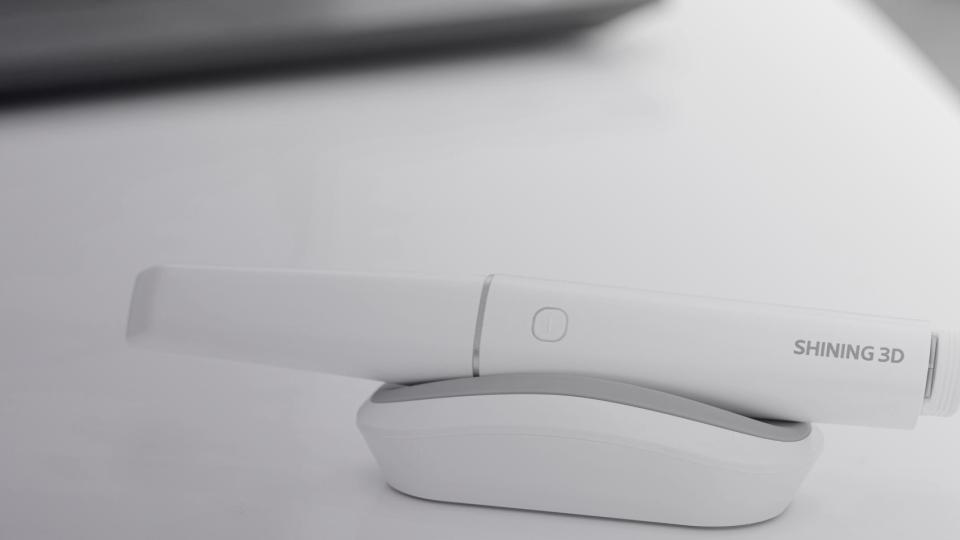
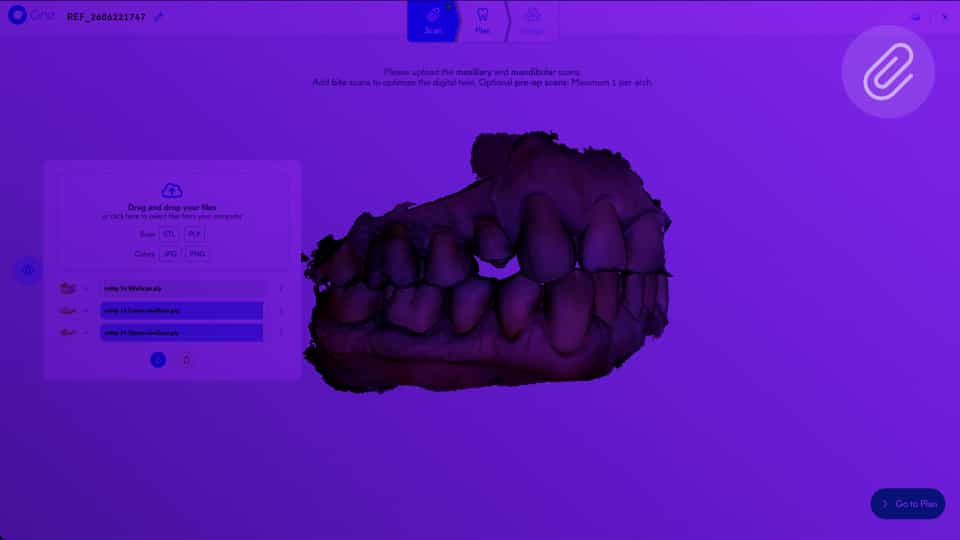
If your intraoral scanner isn't one of our direct integrations, export your scan files and upload them manually — it only takes a few extra steps.
Scan
Related Articles
Video
Step - Scan control
View and manage your scanned files using the viewer.
Learn more

Frequently Asked Questions

What is the recommended resolution for digital impressions?
Scan
+

Circle One works fine with a standard-definition scan.

A scan with too much detail (HD) can, in some cases, slow down the loading of the case.

Standard quality offers the best balance between model accuracy and processing performance.

Can I add a prescan?
Scan
+

Yes. The prescan is available in the Design step and keeps a reference of the tooth’s original anatomy. Our AI can generate an interpolation between the automatic proposal and the prescan shape, so you can choose the result that suits you best.

Do I need to provide a bite scan?
Scan
+

Bite scans are optional but highly recommended: they enable accurate occlusion analysis and improve the calculation of element orientation.

For optimal efficiency, here are our recommendations:

- For a full arch, you can create one bite scan per hemi-arch,
- For a hemi-arch, center the bite scan on the preparation and scan the adjacent teeth,
- Capture the bite scan after preparation,
- Do not scan soft tissues: if they appear on the bite scan but not on the main scan, this will create areas without overlap.

If your scanner does not export a bite scan, you can usually enable this option in the export settings.


Which file formats are supported?
Scan
+

Circle One supports STL and PLY
DCM files (3Shape DCM) are not supported at this time.