Fewer steps. More fluidity.
Connect your scanner
Premium integrations connect Circle One to partner scanners. They simplify the workflow and speed up the chairside process.
Pair your scanner
Video
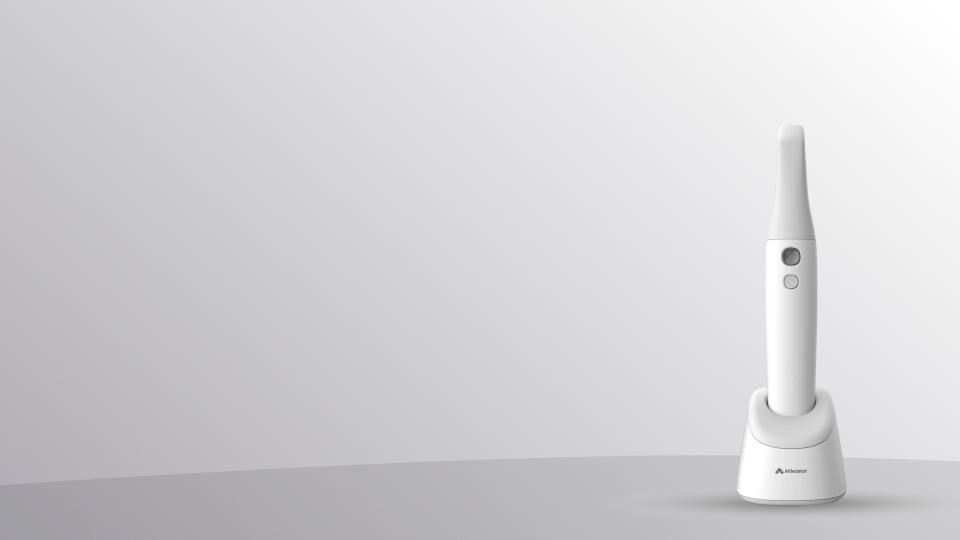
Pair Alliedstar
Install the Circle One app in AS Connect.
Learn more
Video
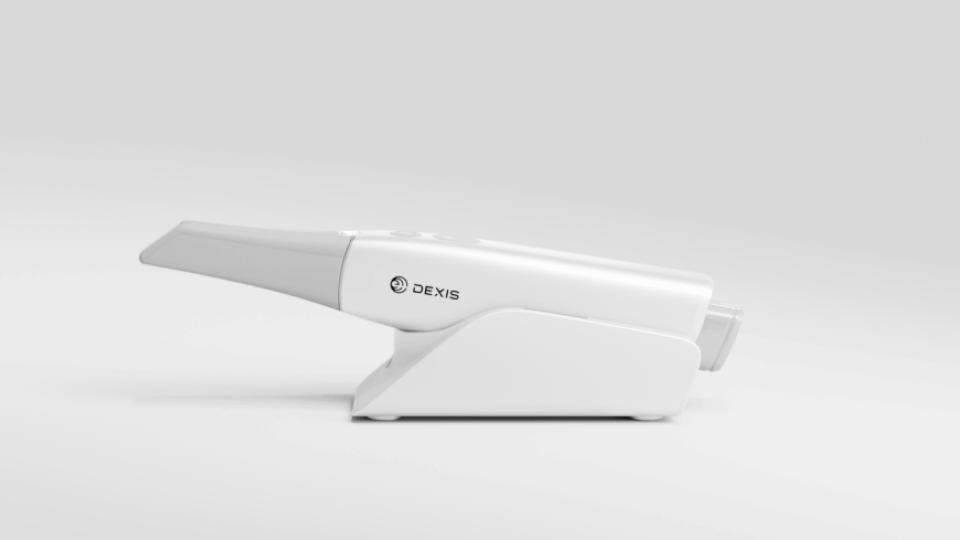
Pair DEXIS
Connect your DEXIS IS Connect account to Circle One.
Learn more
1
min
This is some text inside of a div block.
Learn more
1
min
This is some text inside of a div block.
Learn more
1
min
This is some text inside of a div block.
Learn more
1
min
This is some text inside of a div block.
Learn more
Send your scans
Video
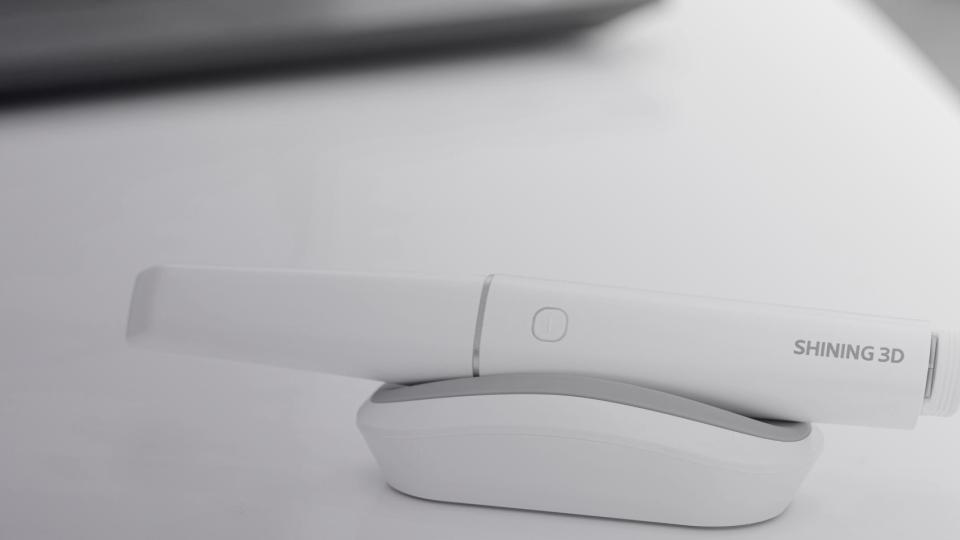
Send your scans from Shining 3D
Send your scans from Shining 3D directly without any file export.
Learn more
Video
Pair Alliedstar to Circle One
Send cases from AS Connect to Circle One — scans imported, patient reference synced.
Learn more
Video
Send your scans from DEXIS
Send your scans directly from DEXIS Scanflow — no file export, no manual upload.
Learn more
1
min
This is some text inside of a div block.
Learn more
1
min
This is some text inside of a div block.
Learn more
1
min
This is some text inside of a div block.
Learn more
1
min
This is some text inside of a div block.
Learn more
Créer un compte
Faites le tour de l’interface et explorez les principales fonctionnalités de Circle One.
1 min
Créer un compte
Faites le tour de l’interface et explorez les principales fonctionnalités de Circle One.
1 min
Créer un compte
Faites le tour de l’interface et explorez les principales fonctionnalités de Circle One.
1 min
Créer un compte
Faites le tour de l’interface et explorez les principales fonctionnalités de Circle One.
1 min

FAQ

Do I need a powerful computer or specific equipment?
Equipment
+

No. Circle One runs directly in your web browser, no installation required, and all calculations are performed on our servers.

For the best experience, we recommend using Google Chrome.

A standard computer (PC or Mac) with a stable internet connection is enough. Some features may not be available on tablets or mobile devices.

For the exact minimum system requirements, refer to the user manual

Which intraoral scanners are compatible with Circle One?
Equipment
+

Circle One works with all intraoral scanners on the market and supports standard file formats, allowing seamless integration with your existing equipment.

Some devices offer advanced integration for increased efficiency and an even smoother user experience. Check out our “Partners” section

Which manufacturing machines are compatible with Circle One?
Equipment
+

Circle One is compatible with most 3D printers and milling machines, generating files for the main equipment on the market.

You can also automatically open your production files in your manufacturing software using our OneClick Manufacturing module. Learn more: oneclickmanufacturing.circle.dental

Can I use multiple machines or different materials?
Equipment
+

Yes. Circle One automatically generates the files required for your chosen production type (milling or 3D printing). You can work with any milling machine and/or 3D printer, as well as the materials of your choice.

What is One Click Manufacturing?
Equipment
+

One Click Manufacturing automatically launches your manufacturing software as soon as your production files are downloaded. It is provided as a small application to install on your computer.

Learn more: About One Click Manufacturing

Which file formats are supported?
Scan
+

Circle One supports STL and PLY
DCM files (3Shape DCM) are not supported at this time.

Do I need to provide a bite scan?
Scan
+

Bite scans are optional but highly recommended: they enable accurate occlusion analysis and improve the calculation of element orientation.

For optimal efficiency, here are our recommendations:

- For a full arch, you can create one bite scan per hemi-arch,
- For a hemi-arch, center the bite scan on the preparation and scan the adjacent teeth,
- Capture the bite scan after preparation,
- Do not scan soft tissues: if they appear on the bite scan but not on the main scan, this will create areas without overlap.

If your scanner does not export a bite scan, you can usually enable this option in the export settings.


Can I add a prescan?
Scan
+

Yes. The prescan is available in the Design step and keeps a reference of the tooth’s original anatomy. Our AI can generate an interpolation between the automatic proposal and the prescan shape, so you can choose the result that suits you best.

What is the recommended resolution for digital impressions?
Scan
+

Circle One works fine with a standard-definition scan.

A scan with too much detail (HD) can, in some cases, slow down the loading of the case.

Standard quality offers the best balance between model accuracy and processing performance.

Is the bur diameter (tool offset) taken into account during real-time modeling?
Export
+

Yes. The bur diameter (tool compensation) is defined when configuring your machine in “My Equipment.” Circle One uses this during modeling to ensure your design is perfectly millable.

This option also applies to printing settings (0 mm by default, 0.3 mm recommended) to avoid resin residue in sharp intaglio areas.

How do I get my manufacturing files? What do they include?
Export
+

Once generated, your production files are available for download.
They include:
- the modeled prosthesis in STL format
- the finish line in PTS format (useful for certain manufacturing methods, primarily milling)

All export files are automatically oriented according to your chosen production method (milling or 3D printing).

You can download them as a ZIP file or in OCM (Circle One Manufacturing) format.
The OCM format lets you automatically launch your manufacturing software upon download when the Circle One Manufacturing module is installed.

Will my export always remain accessible?
Export
+

Yes. Once your manufacturing files are generated, they remain available in your case details.
You can download them as many times as you need, at no additional cost.