Get started
Configure your practice
Video
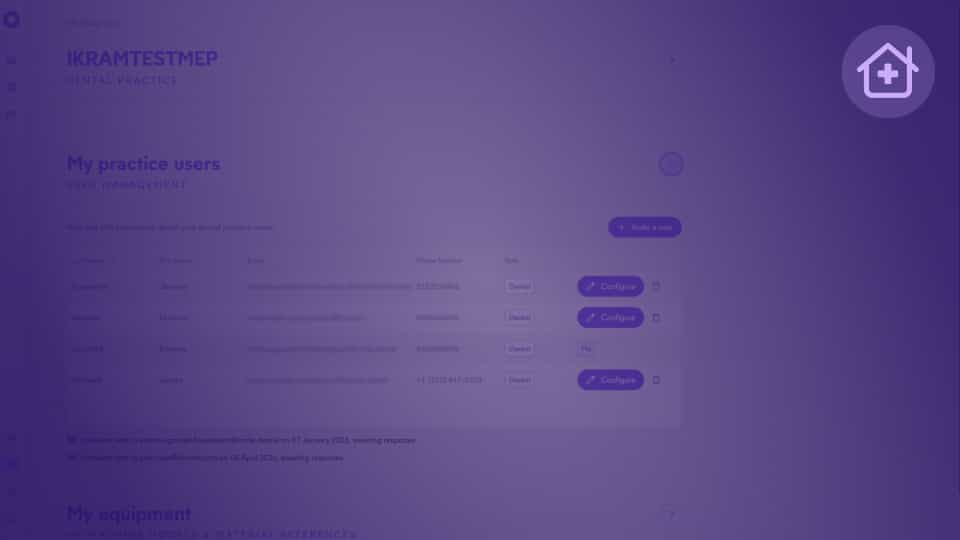
Manage your collaborators, set up your milling machine or 3D printer in Circle One to get accurate, production-ready files tailored to your equipment.
Equipment

Frequently Asked Questions

What is One Click Manufacturing?
Equipment
+

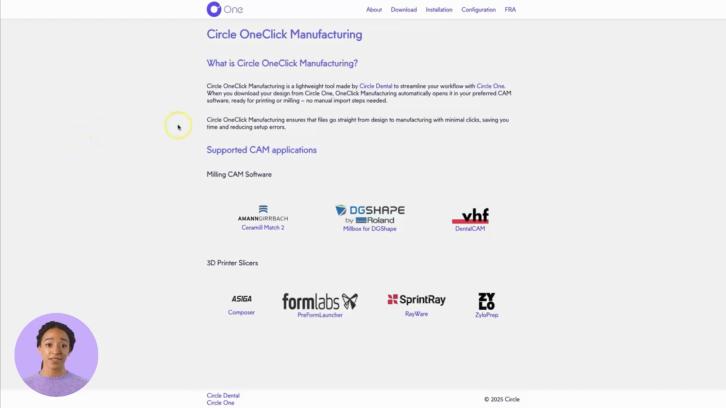
One Click Manufacturing automatically launches your manufacturing software as soon as your production files are downloaded. It is provided as a small application to install on your computer.

Learn more: About One Click Manufacturing

Can I use multiple machines or different materials?
Equipment
+

Yes. Circle One automatically generates the files required for your chosen production type (milling or 3D printing). You can work with any milling machine and/or 3D printer, as well as the materials of your choice.

Which manufacturing machines are compatible with Circle One?
Equipment
+

Circle One is compatible with most 3D printers and milling machines, generating files for the main equipment on the market.

You can also automatically open your production files in your manufacturing software using our OneClick Manufacturing module. Learn more: oneclickmanufacturing.circle.dental

Which intraoral scanners are compatible with Circle One?
Equipment
+

Circle One works with all intraoral scanners on the market and supports standard file formats, allowing seamless integration with your existing equipment.

Some devices offer advanced integration for increased efficiency and an even smoother user experience. Check out our “Partners” section

Do I need a powerful computer or specific equipment?
Equipment
+

No. Circle One runs directly in your web browser, no installation required, and all calculations are performed on our servers.

For the best experience, we recommend using Google Chrome.

A standard computer (PC or Mac) with a stable internet connection is enough. Some features may not be available on tablets or mobile devices.

For the exact minimum system requirements, refer to the user manual