1. In this tutorial, learn how to buy and manage your Circle Credits.

2. When you sign up, your balance is zero. You can scan and plan a case, but launching the Design requires at least one Circle Credit. Let’s see how to get some.

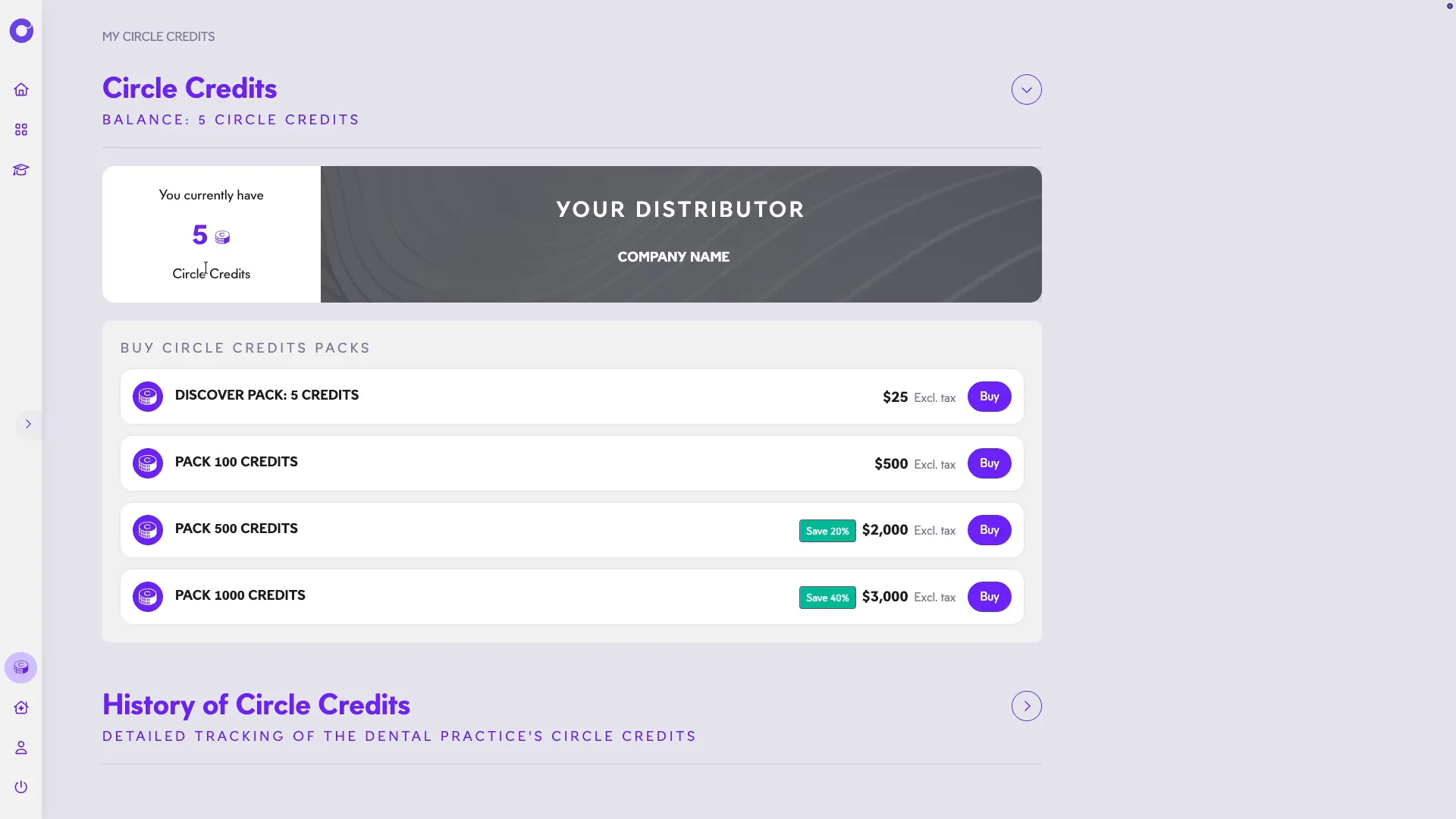
3. From the home page, go to the My Circle Credits section.

4. Your balance is shown here, along with your referring distributor’s contact details if you selected one.
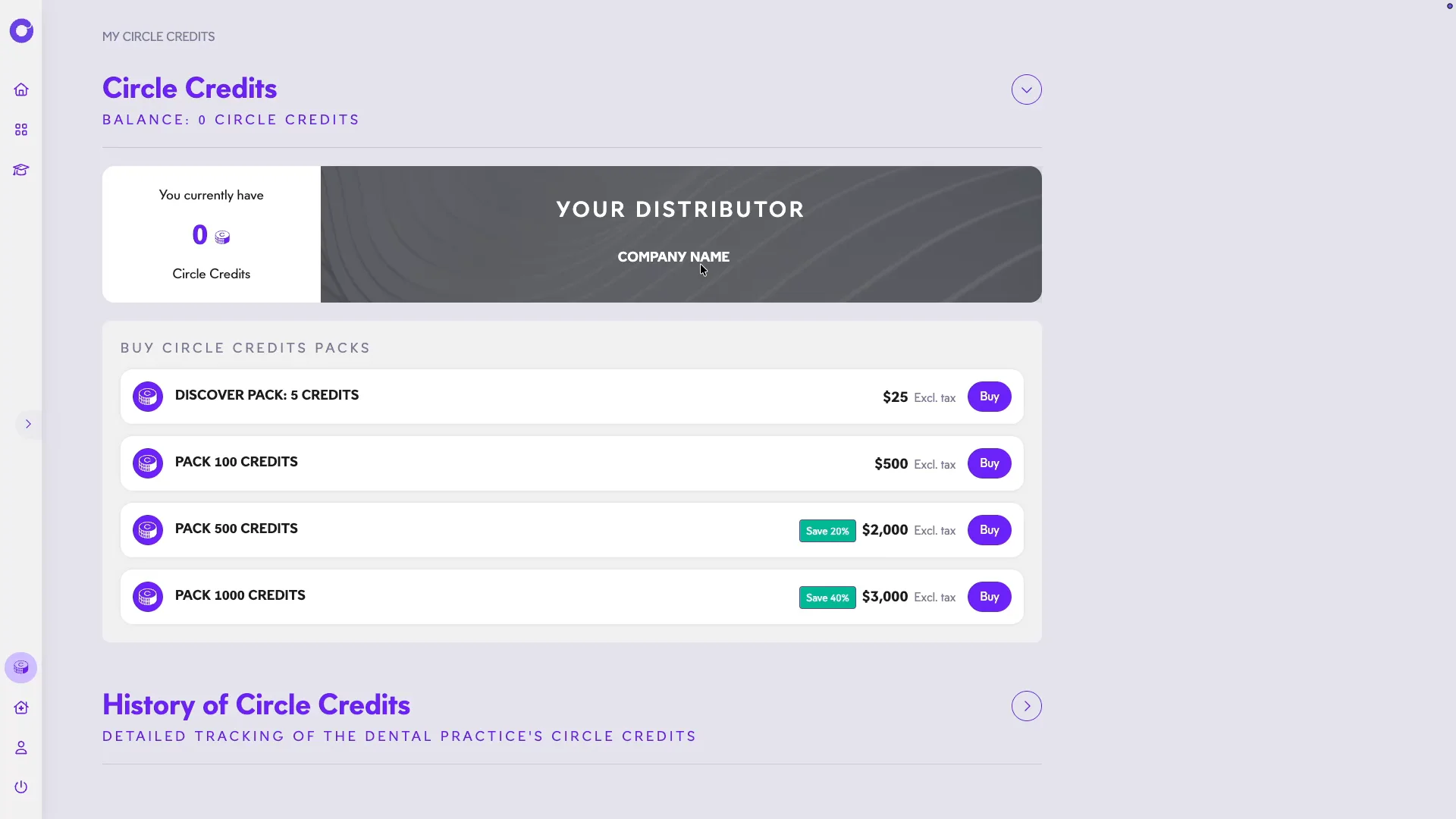
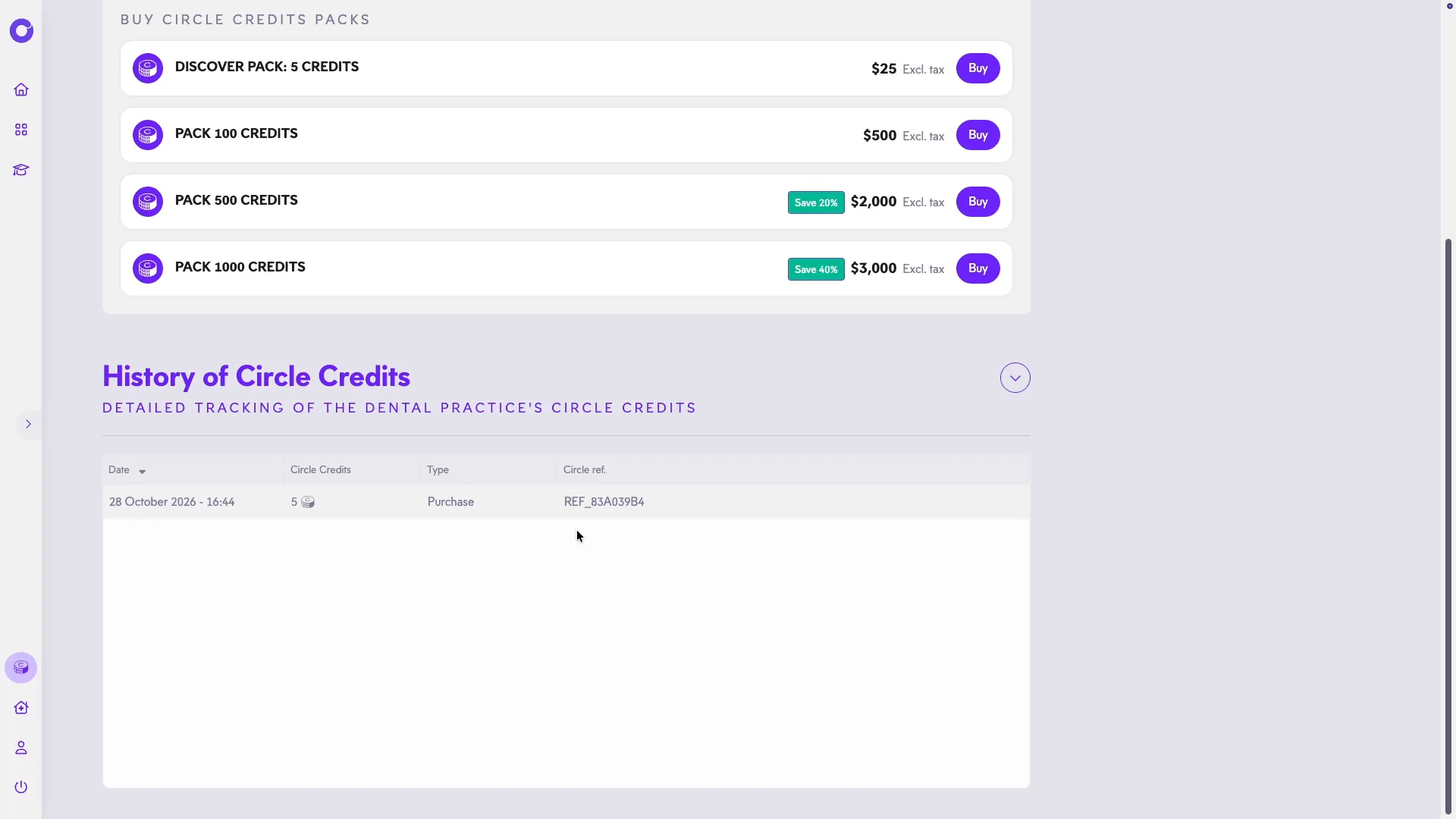
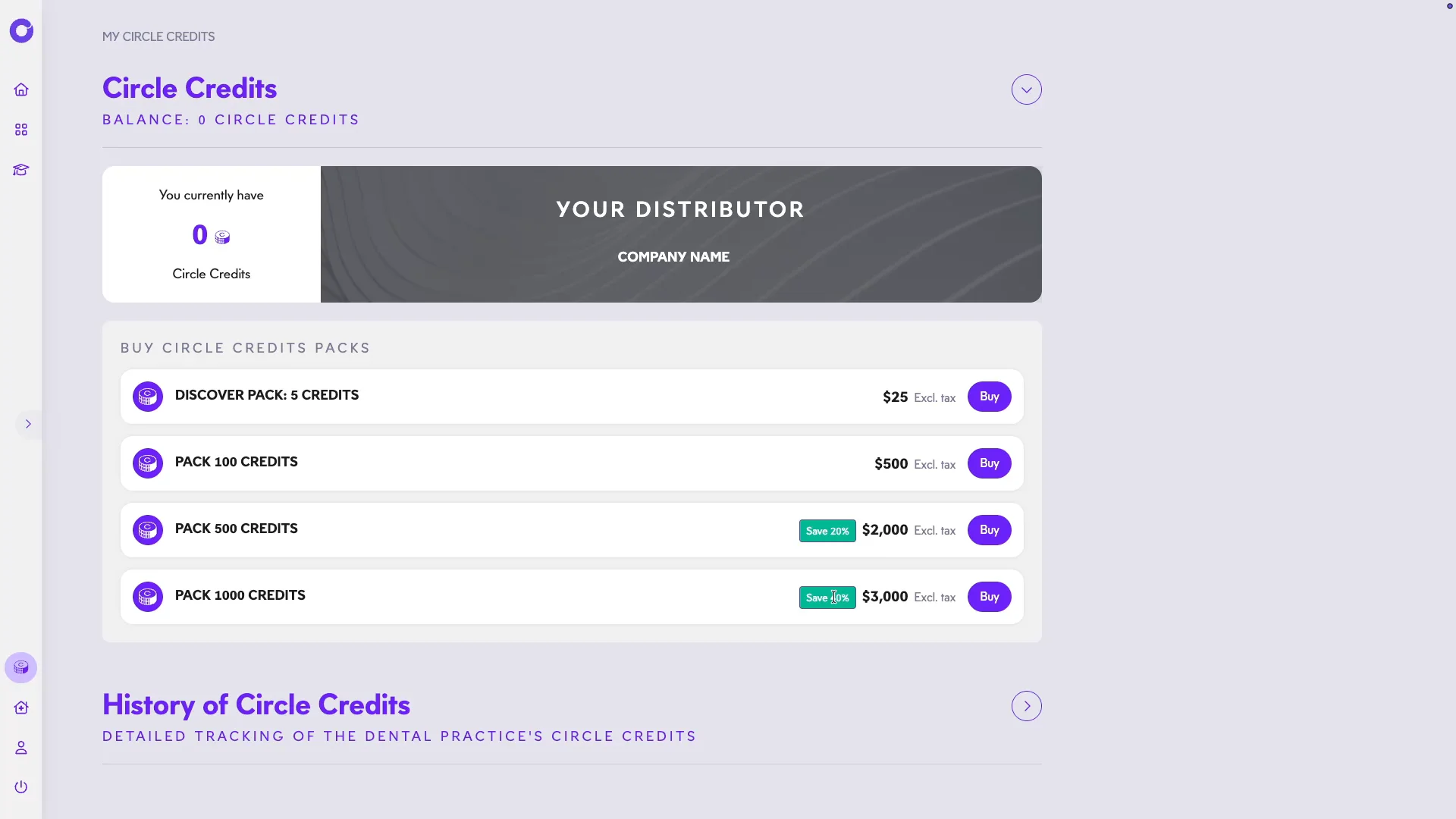
5. Below, you’ll find the available packs. The larger the pack, the better the rate — choose the one that fits your needs.
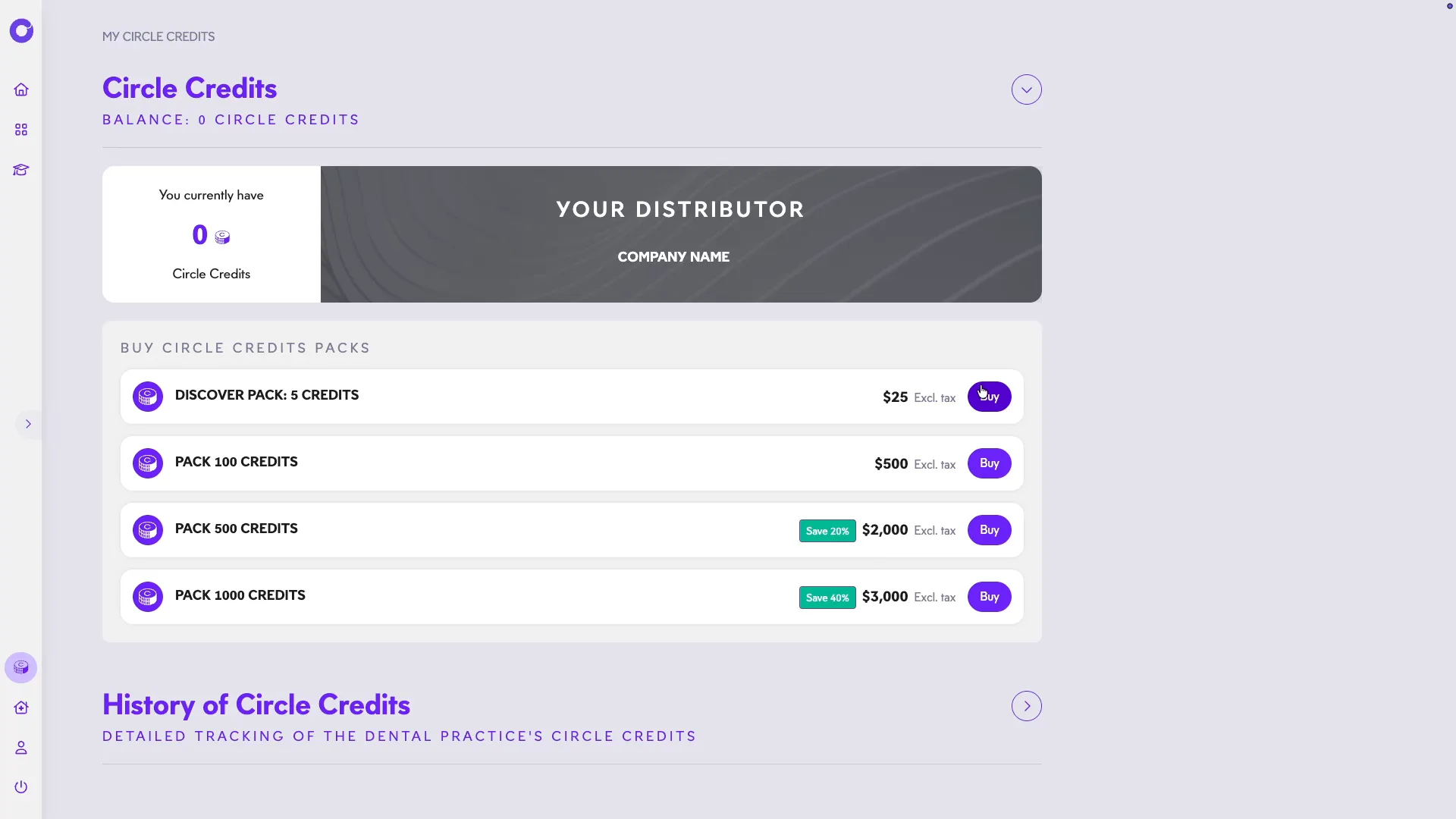
6. Want to try Circle One? The 5-credit pack for $25 lets you explore the solution. Click Buy.
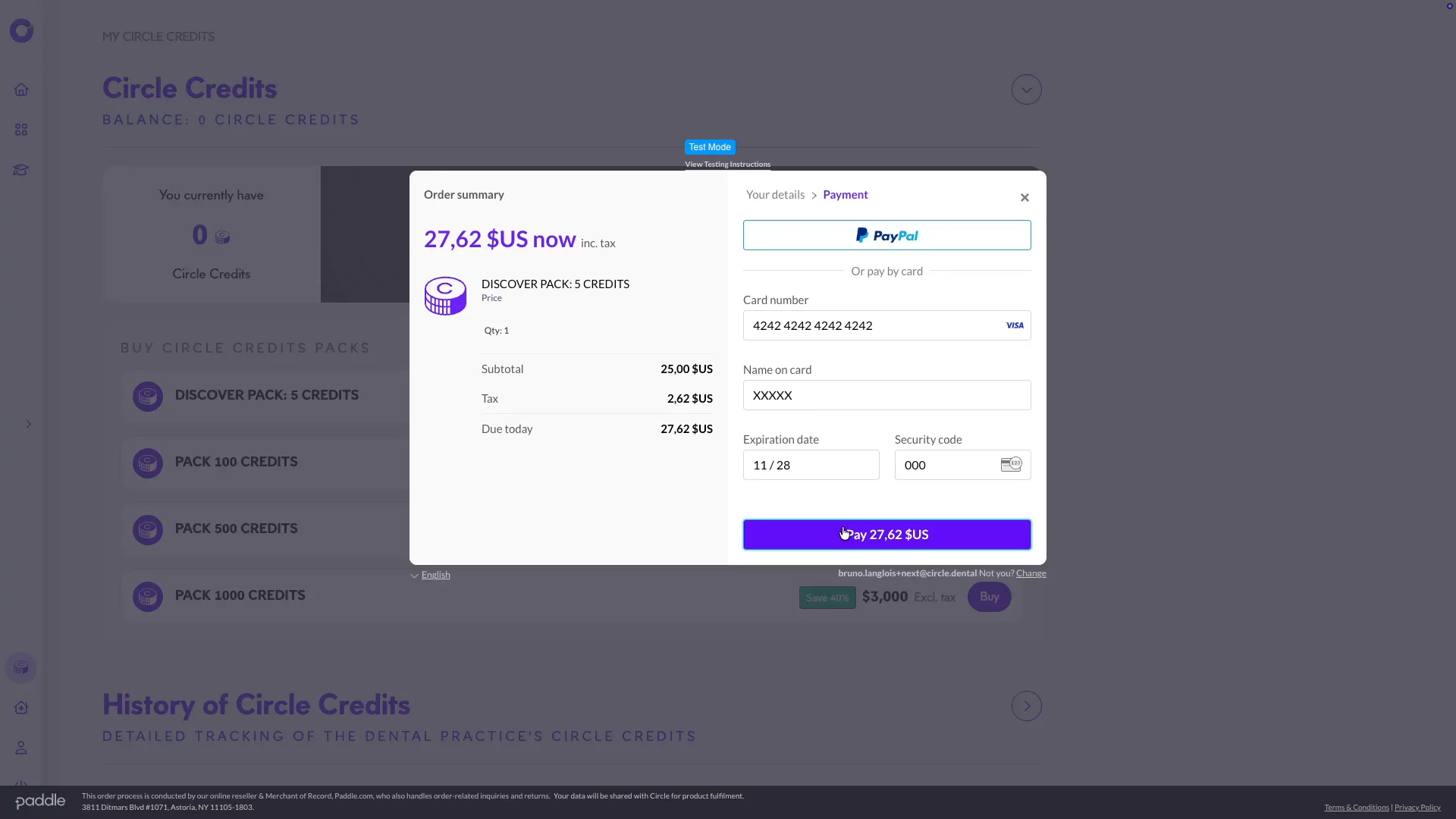
7. Enter your payment details securely, then confirm your purchase.
8. Your credits are immediately available, and a confirmation email is sent to you.
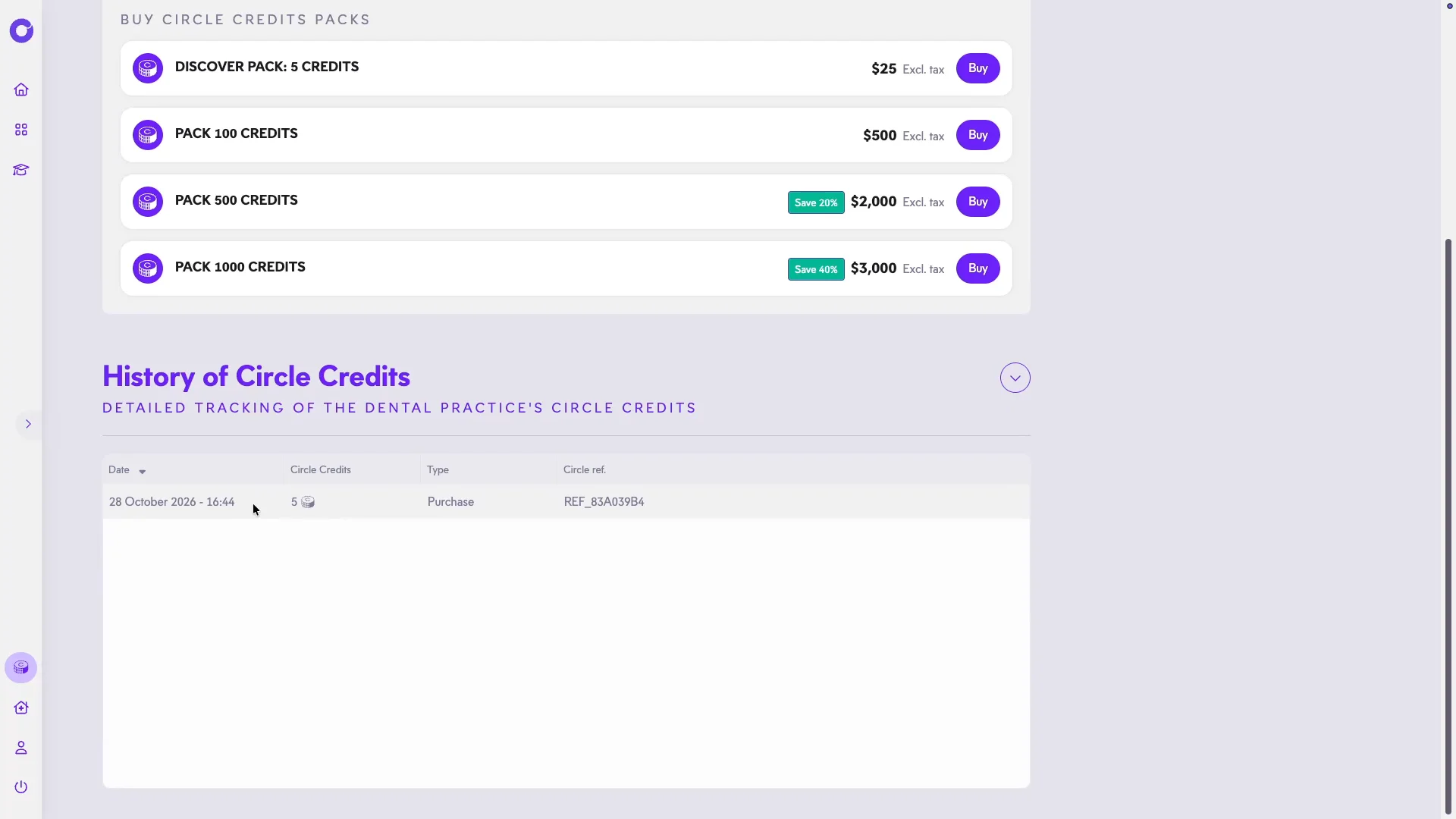
9. Find your full purchase history in the History of Circle Credits section.
10. Order the amount of credits that fits your practice, at your own pace. Thank you for watching this Circle One tutorial.