Get started
Create your account and customize your environment
Create your account
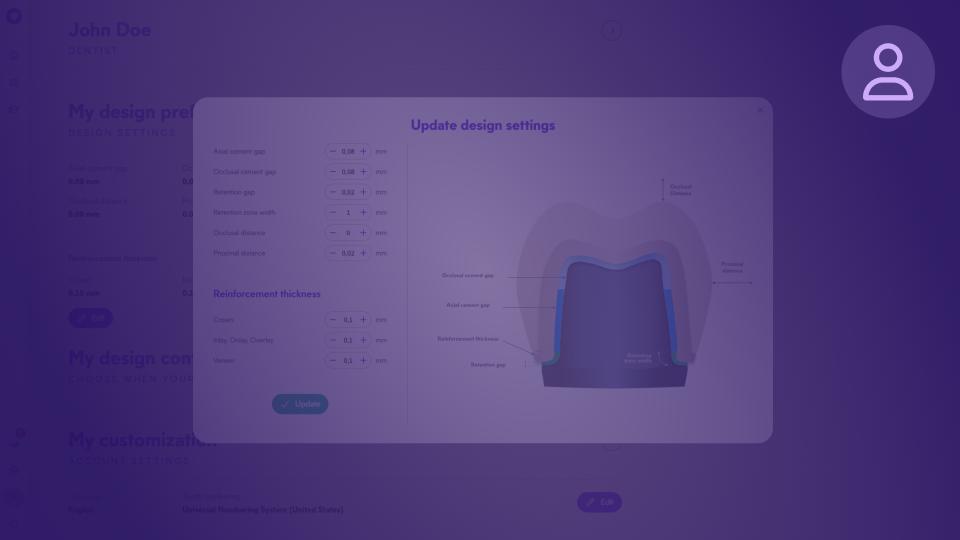
Configure your profile
Configure your practice
Purchase Circle Credits
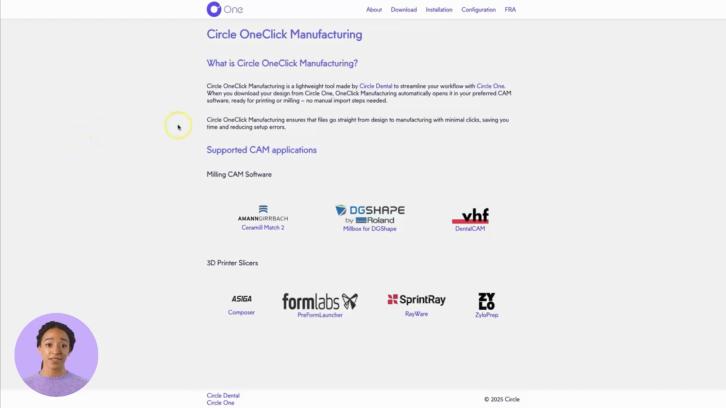
About One Click Manufacturing
Connect your scanner
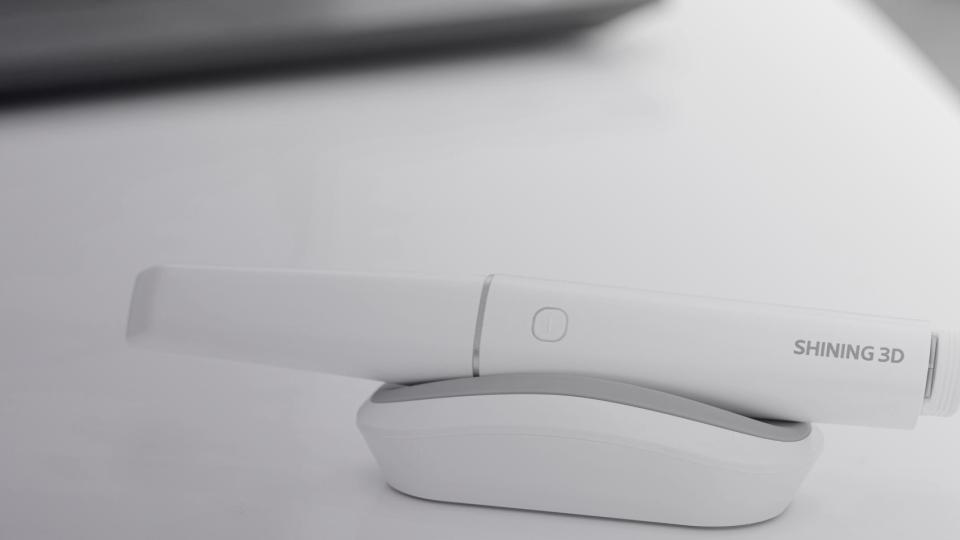
Pair Shining 3D
Pair Alliedstar
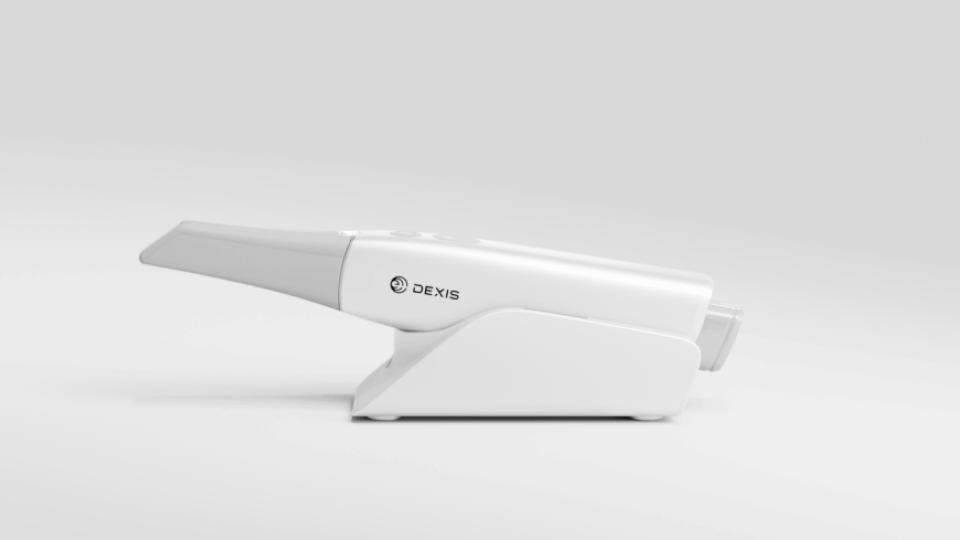
Pair DEXIS
Send your scans from DEXIS
Send your scans from Shining 3D
Send your scans from Alliedstar
Create a case
Create a case manually
Create a case with Shining 3D
Create a case with Alliedstar
Create a case with DEXIS
Step - Scan control
Step - Plan
Step - Design
Step - Export
Refine a design
Design step by step
Occlusal Alignment
Teeth Identification
Margin Line
Modeling
Smart Tools - Shape
Smart Tools - Contacts
Smart Tools - Emergence Profile
Smart Tools - Finishing
Prosthesis workflows
Workflow - Crown
Workflow - Onlay
Workflow - Veneer
FAQ
User Manuals
Technical Support
EN
EN
FR
Circle One™ Training & Support
How can we
help you?
Step-by-step guides, video tutorials and FAQs to master Circle One — from first login to your first exported prosthesis.
Popular:
Create your account
Create your first case
Refine a design
OneClick Manufacturing
Margin line
Circle Credits
FIRST CONNECTION & SETUP
Get started
Learn the basics of getting started with Circle One and customizing your environment.
Guide
Guide
Create your account and customize your environment
Create your Circle One account and set up your workspace.
Start
Video
Create your account
Create your Circle One account in a few clicks, confirm my email, and log in to start designing.
Learn more
Video
Configure your profile
Save your design preferences once and have them automatically applied to all future cases — materials, thicknesses, shades, and more.
Learn more
Article
Manage Collaborators
Invite dentists and assistants to your practice, manage their access, and collaborate on cases within Circle One.
Learn more
Video
Configure your practice
Manage your collaborators, set up your milling machine or 3D printer in Circle One to get accurate, production-ready files tailored to your equipment.
Learn more
Article
Purchase Circle Credits
Circle Credits are the flexible credit system used to design and export prostheses in Circle One. Purchase them through your distributor whenever you need them.
Learn more
Article
About One Click Manufacturing
One Click Manufacturing automatically launches your milling or printing software when your production files are ready — no manual file handling required.
Learn more
See more
Fewer steps. More fluidity.
Connect your scanner
Simplify your workflow and speed up your chairside process.
Video
Pair Shining 3D
Link your Shining 3D Dental Cloud account to Circle One™ in a few clicks — then send impressions directly without any file export.
Learn more
Video
Pair Alliedstar
Install the Circle One app in AS Connect.
Learn more
Video
Pair DEXIS
Connect your DEXIS IS Connect account to Circle One.
Learn more
Video
Send your scans from DEXIS
Send your scans directly from DEXIS Scanflow — no file export, no manual upload.
Learn more
Video
Send your scans from Shining 3D
Send your scans from Shining 3D directly without any file export.
Learn more
Video
Send your scans from Alliedstar
Send scans from AS Connect to Circle One — scans imported, patient reference synced.
Learn more
1
min
This is some text inside of a div block.
This is some text inside of a div block.
Learn more
1
min
This is some text inside of a div block.
This is some text inside of a div block.
Learn more
1
min
This is some text inside of a div block.
This is some text inside of a div block.
Learn more
1
min
This is some text inside of a div block.
This is some text inside of a div block.
Learn more
See more
Step-by-step guide
Create a case
Create your first case and discover all the possibilities Circle One has to offer
Guide
Guide
Create a case with Shining 3D
Send your scan from Shining 3D IOS and create your first case.
Start
Guide
Guide
Create a case with Alliedstar
Send your scan from Alliedstar IOS and create your first case.
Start
Guide
Guide
Create a case with DEXIS
Send your scan from DEXIS IOS and create your first case.
Start
Video
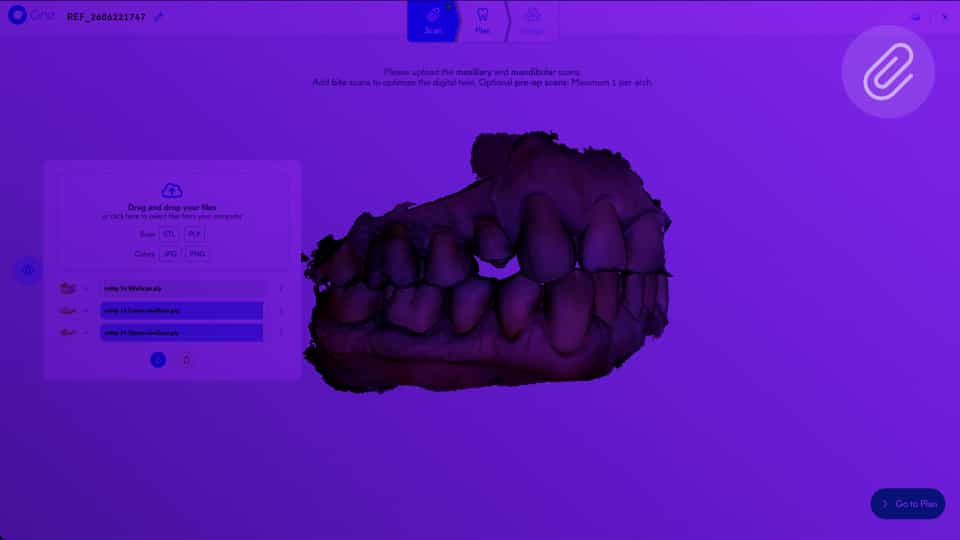
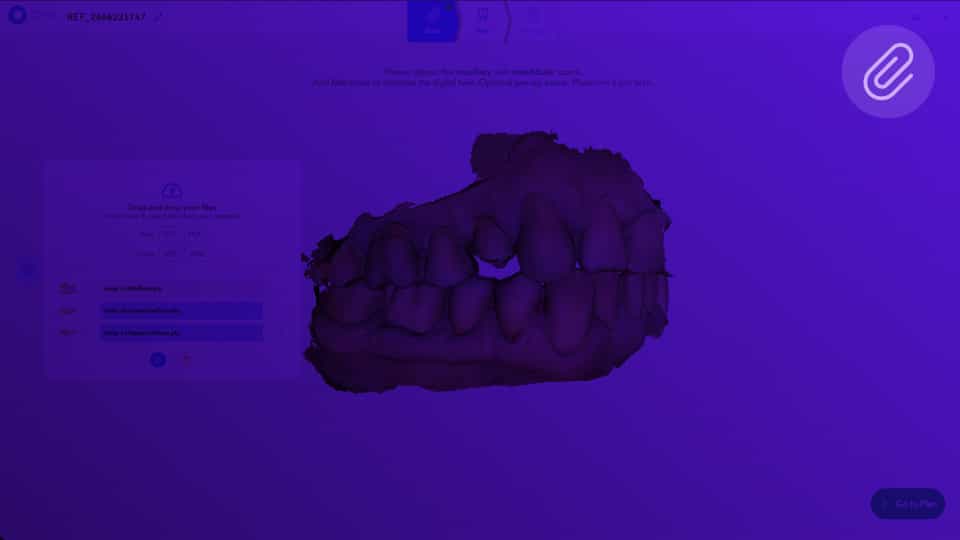
Step - Scan control
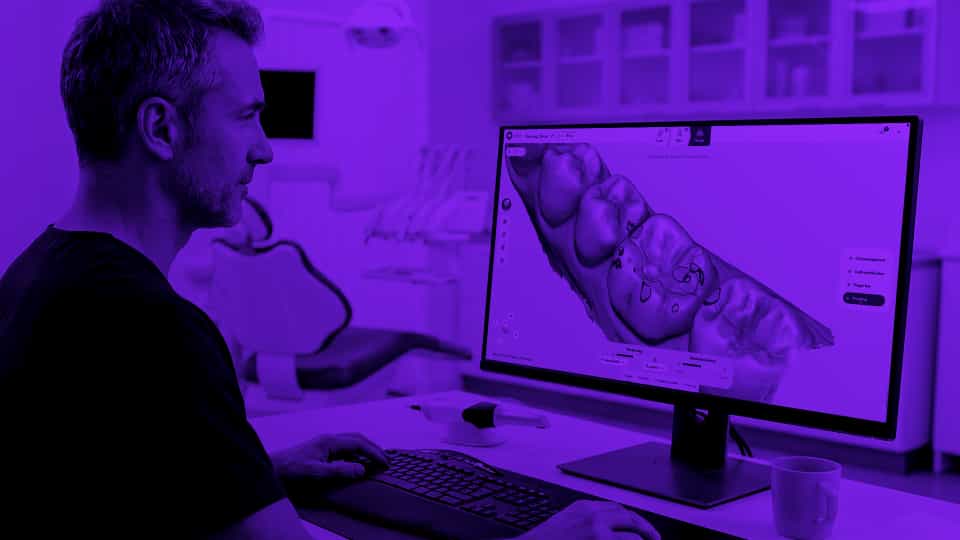
View and manage your scanned files using the viewer.
Learn more
Video
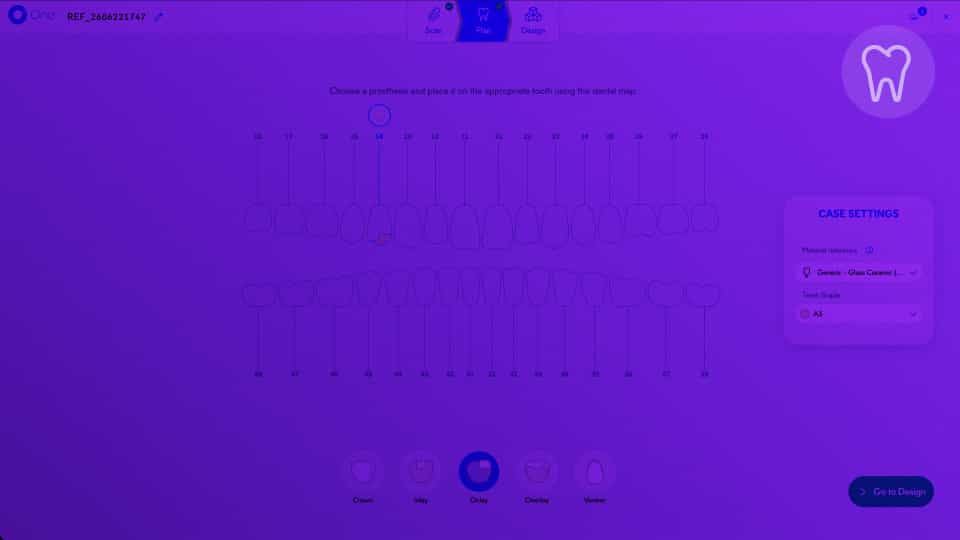
Step - Plan
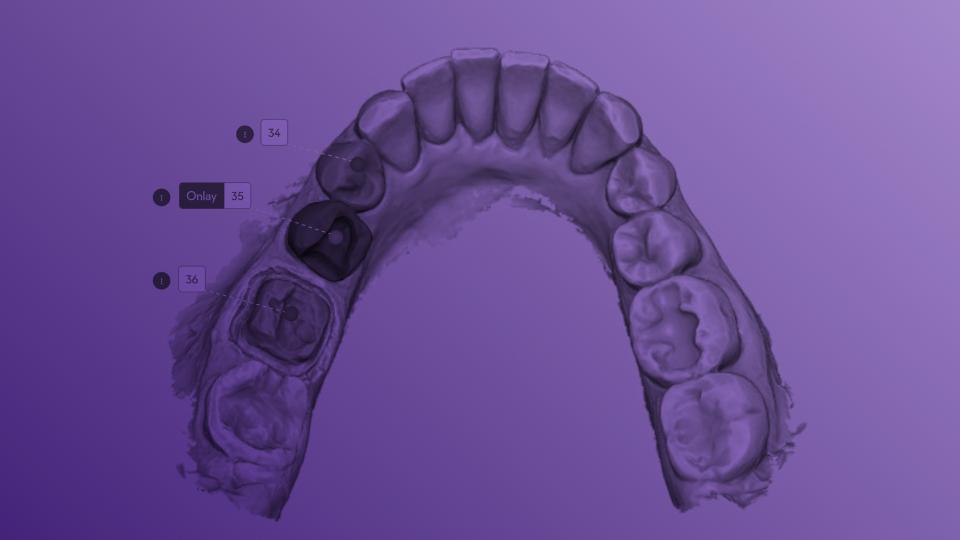
Select the prosthesis type, choose the target tooth on the dental map, confirm the material and shade, then launch the design.
Learn more
Video
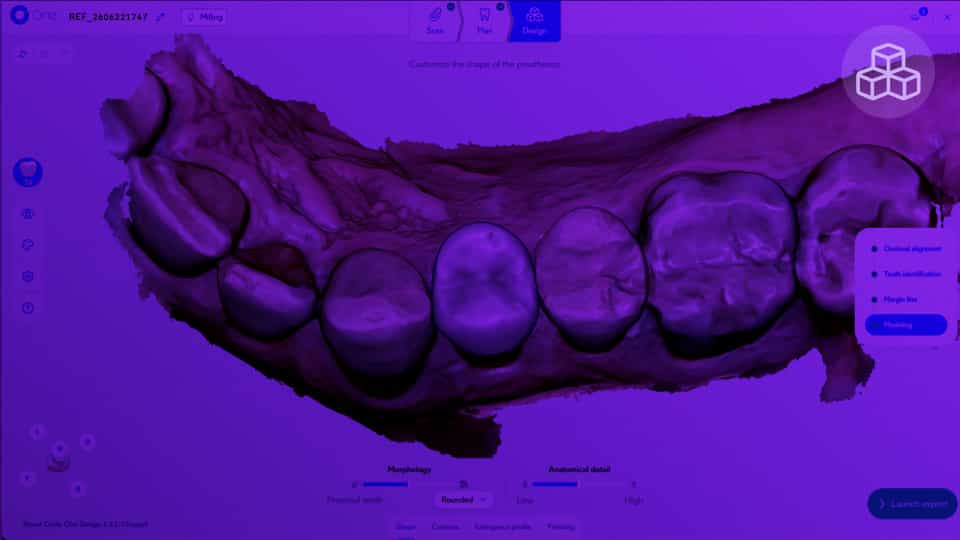
Step - Design
Circle One generates a prosthetic proposal in under a minute. Navigate the 4 design sub-steps.
Learn more
Video
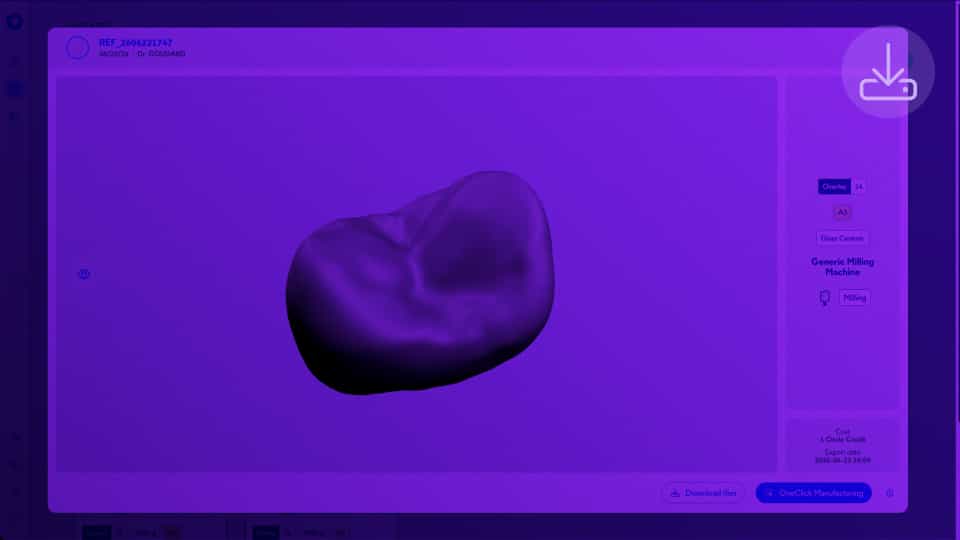
Step - Export
Review your validated design in the 3D viewer, then send production files directly to your CAM software with OneClick Manufacturing or download them as a ZIP.
Learn more
Video
Manual Import
If your intraoral scanner isn't one of our direct integrations, export your scan files and upload them manually — it only takes a few extra steps.
Learn more
1
min
This is some text inside of a div block.
This is some text inside of a div block.
Learn more
1
min
This is some text inside of a div block.
This is some text inside of a div block.
Learn more
1
min
This is some text inside of a div block.
This is some text inside of a div block.
Learn more
1
min
This is some text inside of a div block.
This is some text inside of a div block.
Learn more
See more
Collaborative AI and intelligent design
Refine a design
Dive into the heart of Circle One and learn how to master all its design features
Guide
Guide
Design step by step
Learn how to design your prosthesis step by step
Start
Video
Occlusal Alignment
Select the occlusion captured by your intraoral scanner or the one provided by Circle One.
Learn more
Video
Teeth Identification
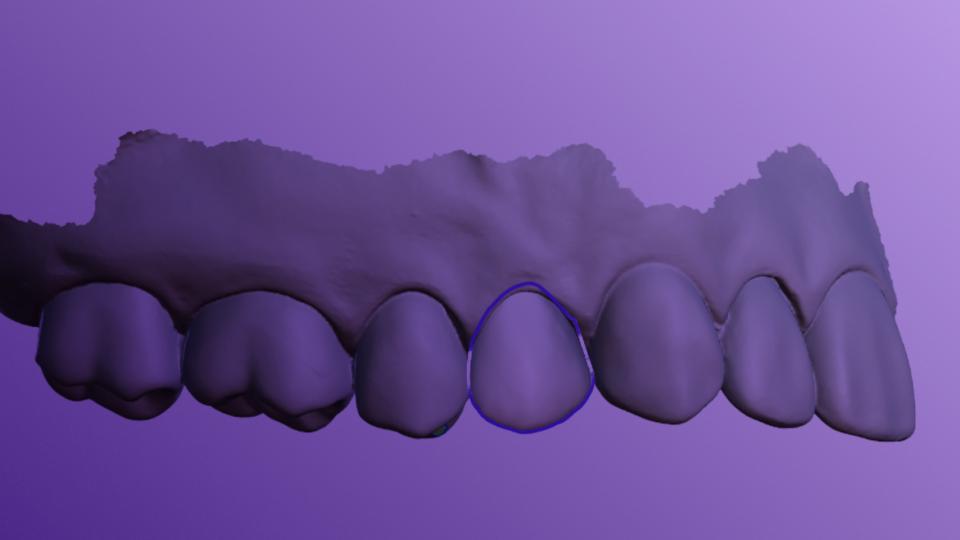
This step allows you to check the automatic teeth identification performed by Circle One.
Learn more
Video
Margin Line
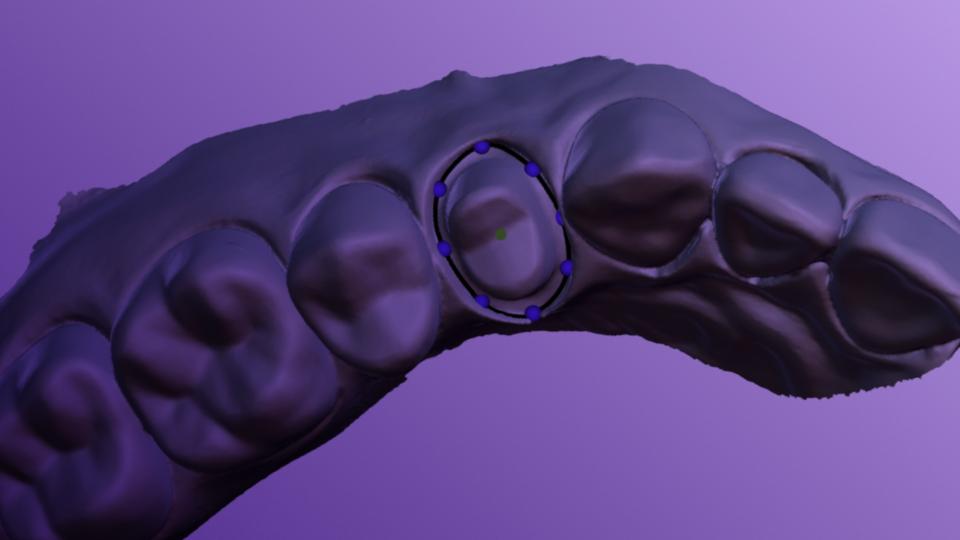
Control the margin line and the insertion axis of the prosthesis.
Learn more
Video
Modeling
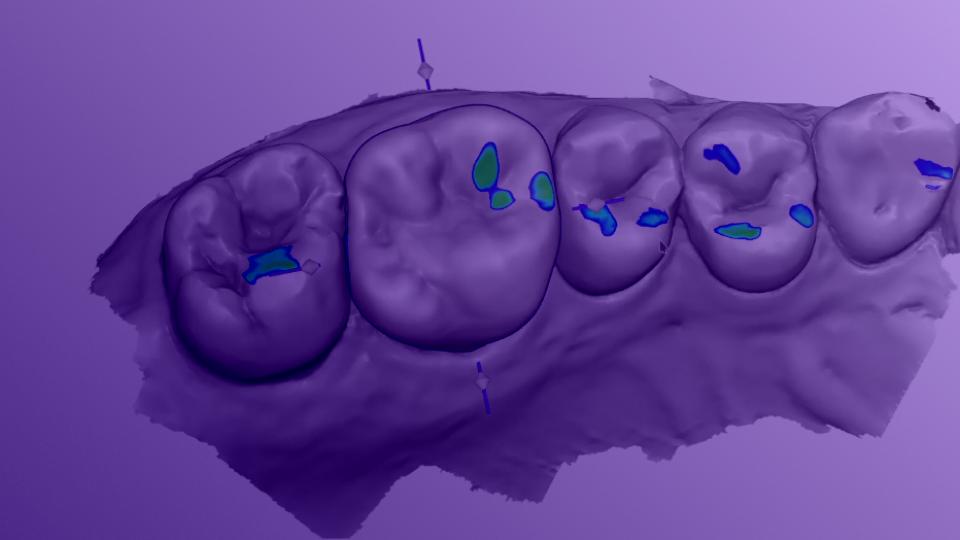
Adjust the shape, position, and details of your prosthesis with just a few simple actions.
Learn more
Video
Smart Tools - Shape
Customize the morphology and anatomical detail of your prosthesis using the Shape tab in the Modeling step.
Learn more
Video
Smart Tools - Contacts
Reposition the prosthesis and refine occlusal contacts using manipulators and the Antagonist Contacts slider in the Contacts tab.
Learn more
1
min
This is some text inside of a div block.
This is some text inside of a div block.
Learn more
1
min
This is some text inside of a div block.
This is some text inside of a div block.
Learn more
1
min
This is some text inside of a div block.
This is some text inside of a div block.
Learn more
1
min
This is some text inside of a div block.
This is some text inside of a div block.
Learn more
See more
Crown, onlay, veneer
Prosthesis workflows
Practical examples and a step-by-step design process for the most commonly requested prosthetics.
Video
Workflow - Crown
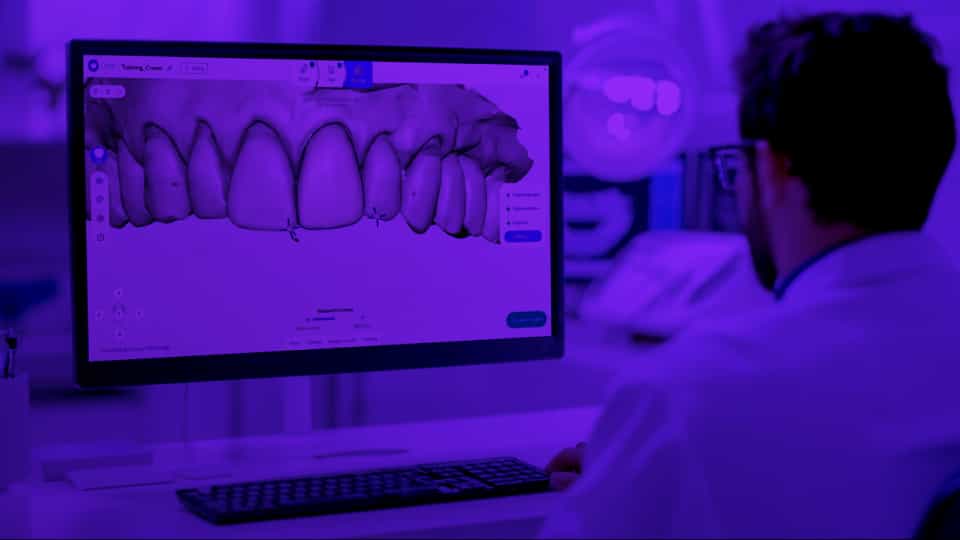
Design a chairside crown from scan to export in just a few minutes. A complete walkthrough of every step for a full crown.
Learn more
Video
Workflow - Onlay
Design a chairside onlay with Circle One’s intuitive AI workflow. Learn the specific scan, plan, and design steps for onlay prosthesis.
Learn more
Video
Workflow - Veneer
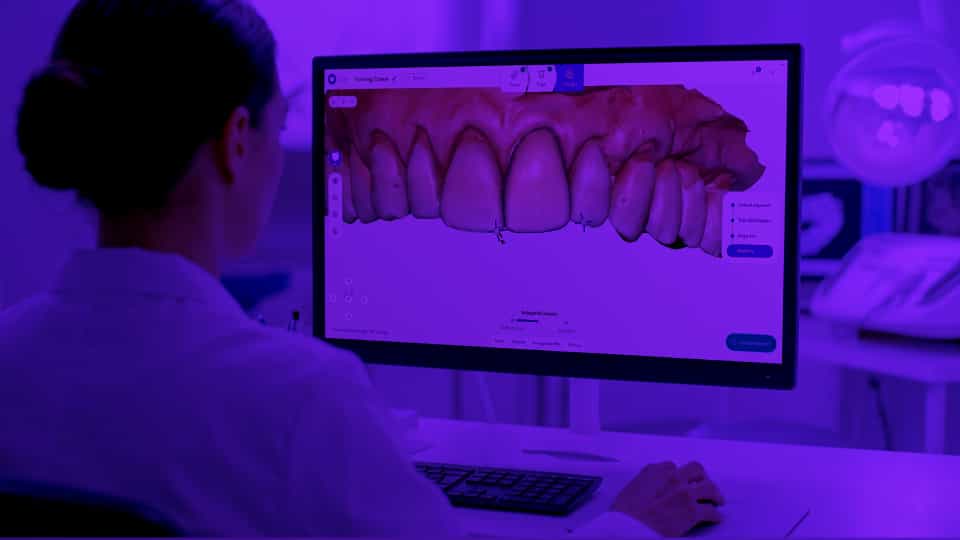
Design a chairside veneer with Circle One. Learn the specific scan, margin line, and aesthetic design considerations for a fast and seamless veneer
Learn more
1
min
This is some text inside of a div block.
This is some text inside of a div block.
Learn more
1
min
This is some text inside of a div block.
This is some text inside of a div block.
Learn more
1
min
This is some text inside of a div block.
This is some text inside of a div block.
Learn more
1
min
This is some text inside of a div block.
This is some text inside of a div block.
Learn more
See more