Refine a design
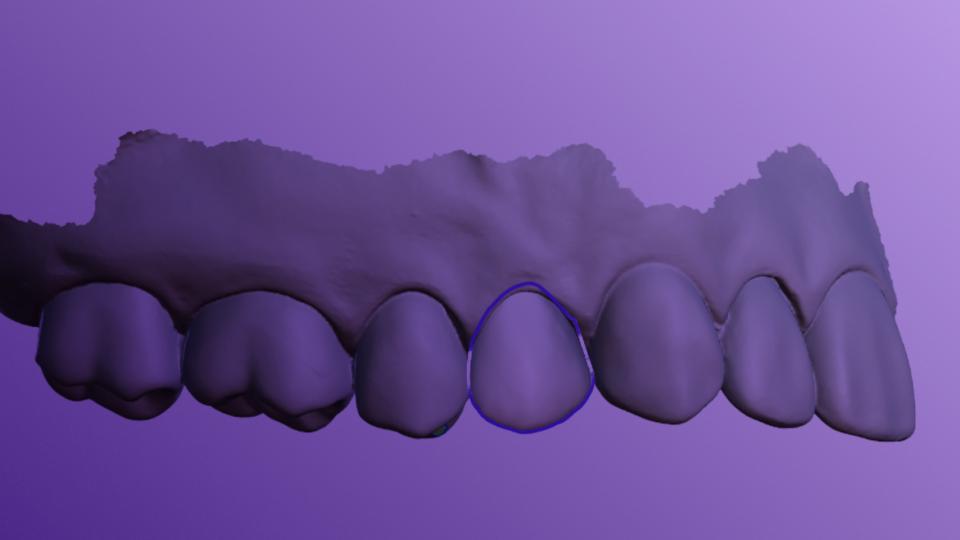
Margin Line
Video
Control the margin line and the insertion axis of the prosthesis.
Modeling
Related Articles
Video
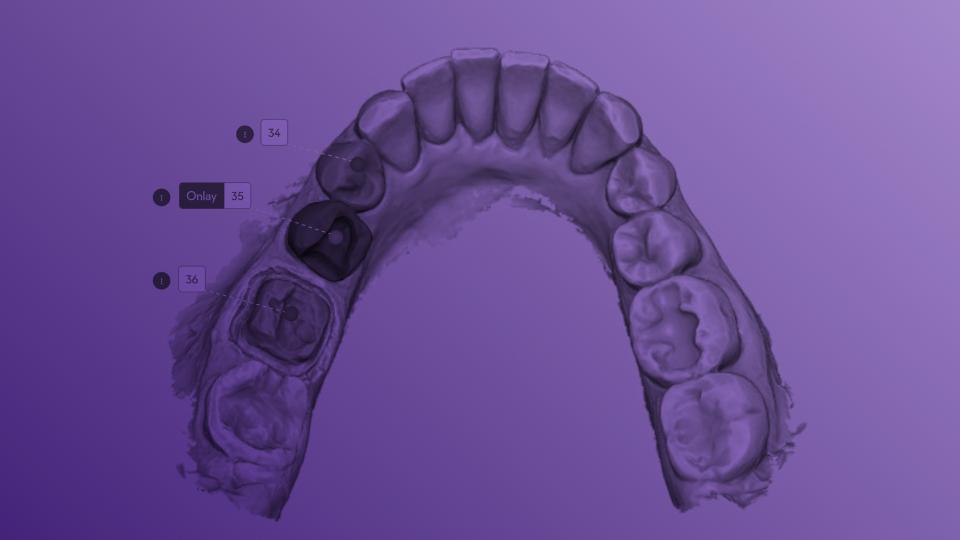
Teeth Identification
This step allows you to check the automatic teeth identification performed by Circle One.
Learn more
Video
Modeling
Adjust the shape, position, and details of your prosthesis with just a few simple actions.
Learn more

Frequently Asked Questions

Can I undo actions during the Design step?
Modeling
+

Yes. You can use the undo/redo buttons available in the interface at any time.

Can I add a border reinforcement?
Modeling
+

Yes. In the Manufacturing Settings, you can set the thickness of the border reinforcement to make it compatible with your milling tool.

Can I adjust the contact points while modeling?
Modeling
+

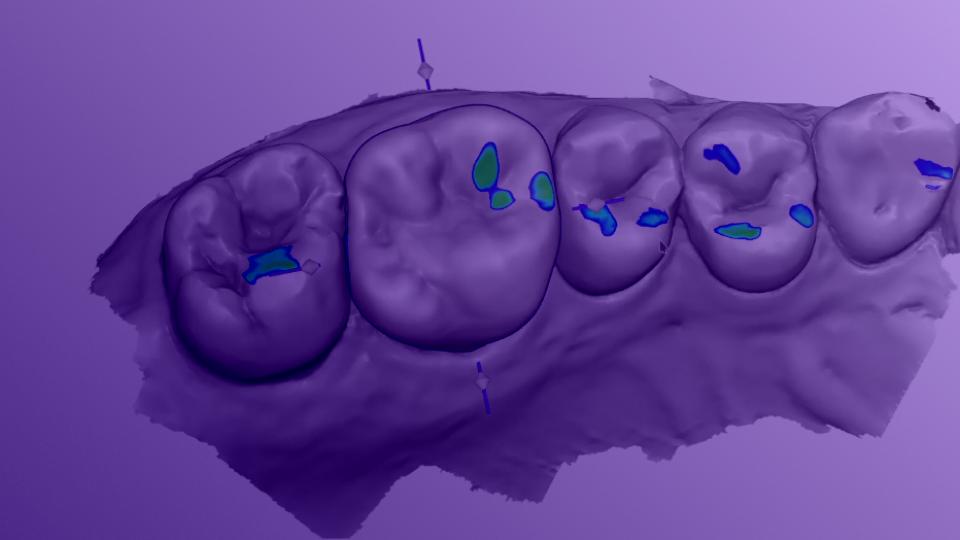
Yes. In the Design step, you can adjust antagonist contacts in real time by smoothing or deforming them using the “Antagonist Contacts” slider.
The contacts are displayed in color through the Colormap panel, helping you fine-tune the occlusion of your prosthesis.

Is the minimum thickness checked? Can I adjust it?
Modeling
+

Yes. The minimum thickness for the selected material is maintained throughout design. Circle One alerts you if the prosthesis is not insertable at the chosen minimum thickness, and offers three options: auto-adjust, manual correction, or continue without correction.

You can adjust the minimum thickness in the Manufacturing Settings or in “My Design Preferences.” Thin areas are visualized in the Colormap panel.