First connexion & configuration
Get started
Learn the basics of getting started with Circle One and customizing your environment.
Guide

Create your account and customize your environment

Create your Circle One account and set up your workspace.
Start
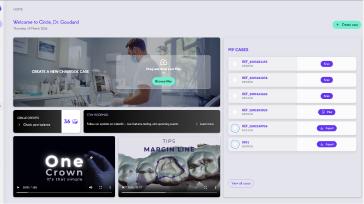
Understanding my interface
Video
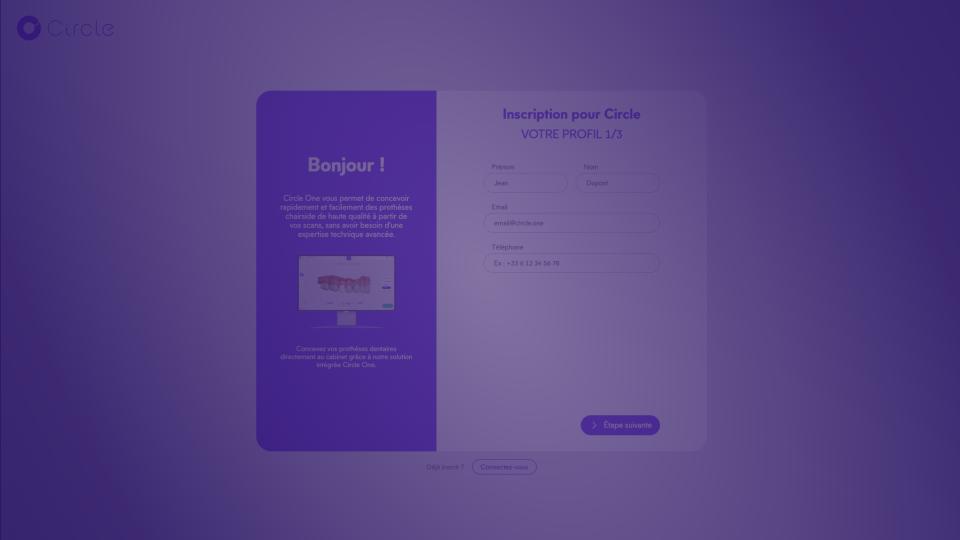
Create your account
Create your Circle One account in a few clicks, confirm my email, and log in to start designing.
Learn more
Article
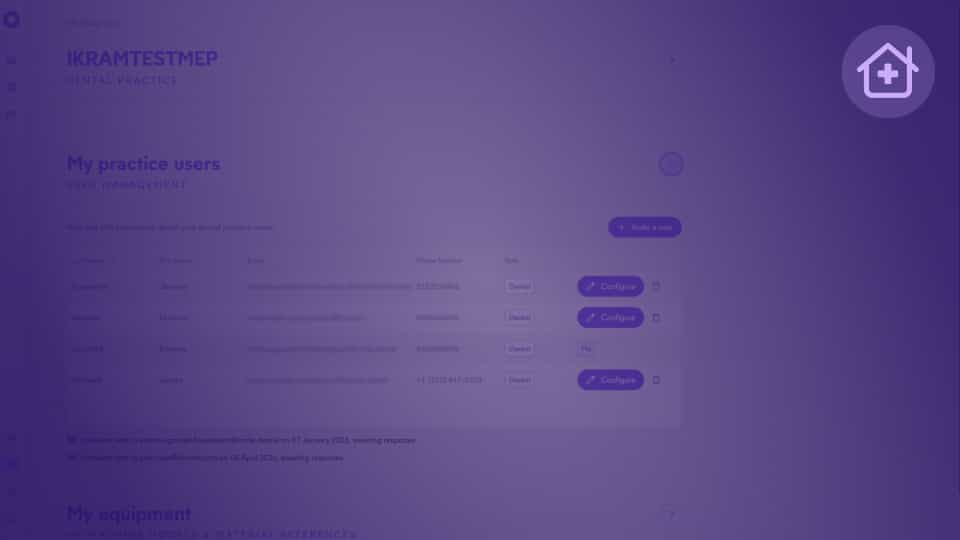
Manage Collaborators
Invite dentists and assistants to your practice, manage their access, and collaborate on cases within Circle One.
Learn more
1
min
This is some text inside of a div block.
Learn more
1
min
This is some text inside of a div block.
Learn more
1
min
This is some text inside of a div block.
Learn more
1
min
This is some text inside of a div block.
Learn more
Créer un compte
Faites le tour de l’interface et explorez les principales fonctionnalités de Circle One.
1 min
Créer un compte
Faites le tour de l’interface et explorez les principales fonctionnalités de Circle One.
1 min
Créer un compte
Faites le tour de l’interface et explorez les principales fonctionnalités de Circle One.
1 min
Créer un compte
Faites le tour de l’interface et explorez les principales fonctionnalités de Circle One.
1 min

FAQ

How do I log in?
My account
+

After signing up, you received an email inviting you to set your password.

Log in to your Circle One account here https://one.circle.dental/ using the email address and password you created.

If you forgot your password, simply click “Forgot password” to reset it.

How do I create an account for my assistant?
My account
+

A practice can have multiple accounts: dentist and assistant accounts.

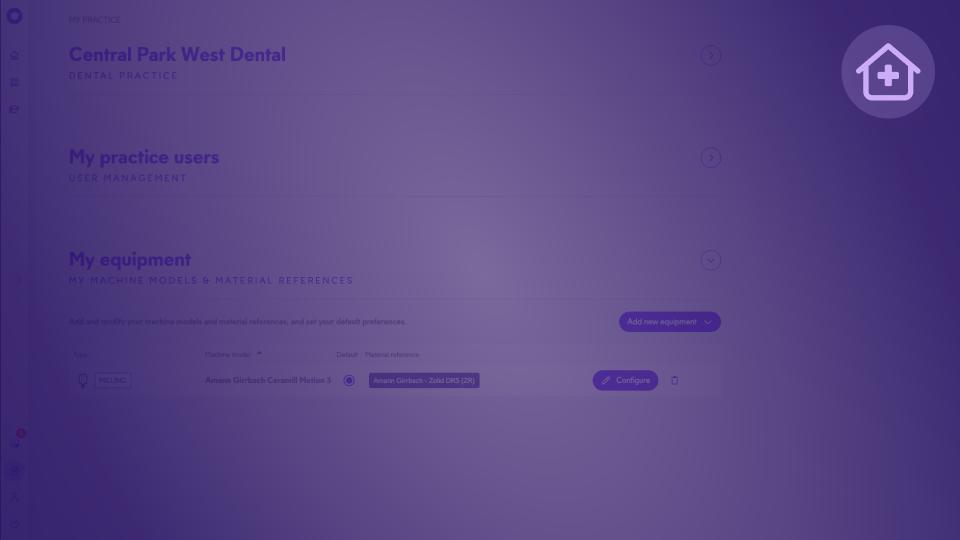
To create and link an assistant (or dentist) account to your practice, go to the “My Practice” page in the “My Practice Users” section and click on “Invite a user.”

Assistant accounts have access to all cases created by any dentist within the same practice.

How do I invite a dentist or assistant to my Circle One practice?
My account
+

From your Circle One account, go to the practice settings, then to the User Management section.

You can invite a dentist or assistant using the same procedure, regardless of their role.

If the person already has a Circle One account: they will receive an invitation to join your practice.

If the person does not yet have an account: an invitation will be sent to create an account, then automatically join your space.


Are my data saved? For how long?
My account
+

Yes. Your data are securely stored for 1 year, allowing identical re-fabrication if needed.

All files are encrypted and hosted on ISO 27001-certified servers.

Can I save my design preferences?
My account
+

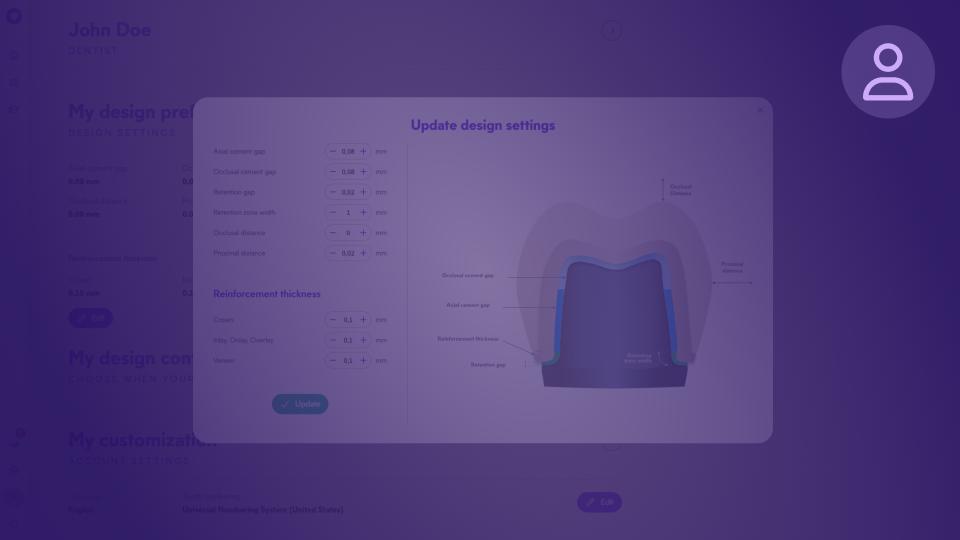
Yes. You can save your design preferences (minimum thickness, manufacturing settings, etc.) in “My Design Preferences,” accessible from your profile.

These settings will be automatically applied to all future cases, letting you standardize your workflow to match your preferences.

How much does it cost? What are Circle credits and how do they work?
Pricing
+

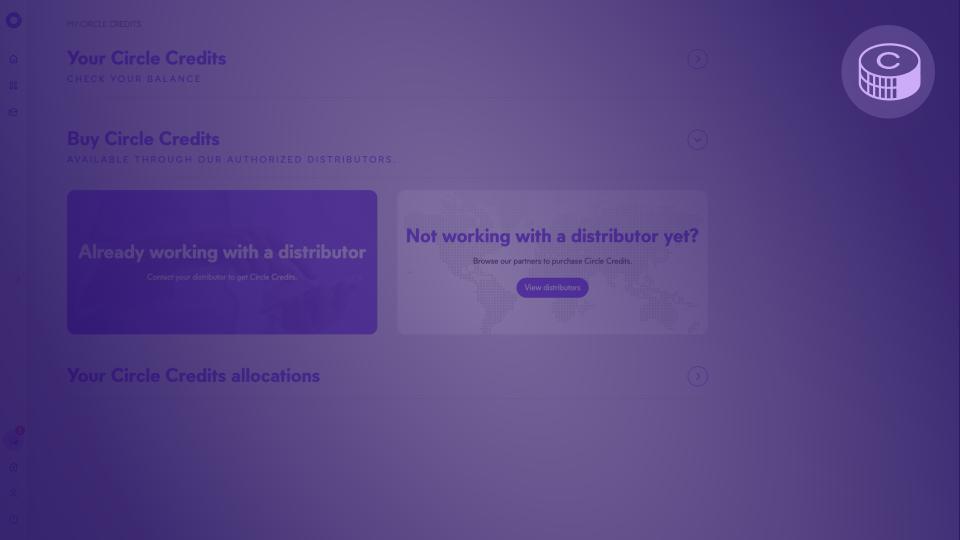
Circle Credits are our flexible credit system. One designated and exported prosthetic tooth costs 1 Circle Credit.

To purchase Circle Credits, contact your distributor. All unused Circle Credits remain available indefinitely.

When do I pay?
Pricing
+

For each case, the Circle Credit cost is shown in the top-right corner of the case. Credits are consumed when the design is validated.

Note: restarting a validated design will consume an additional Circle Credit.