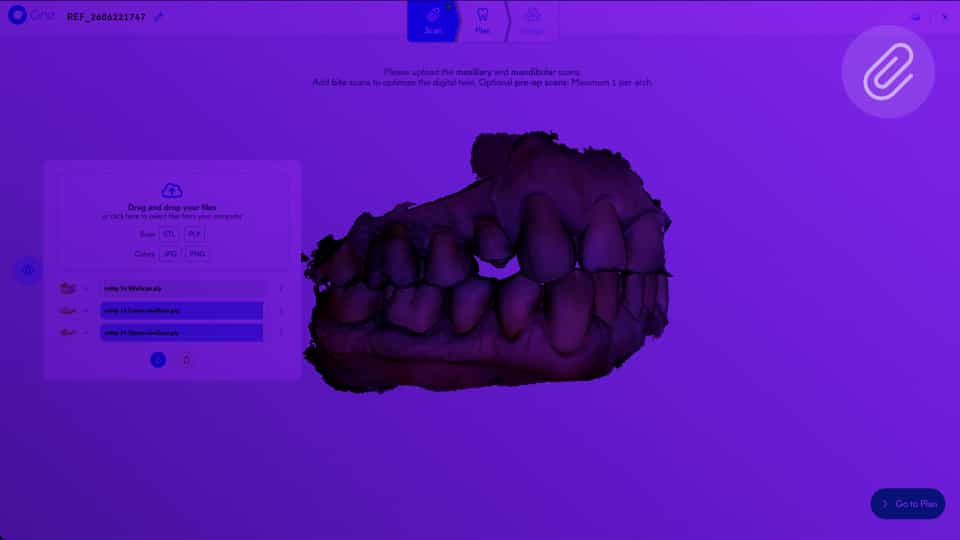
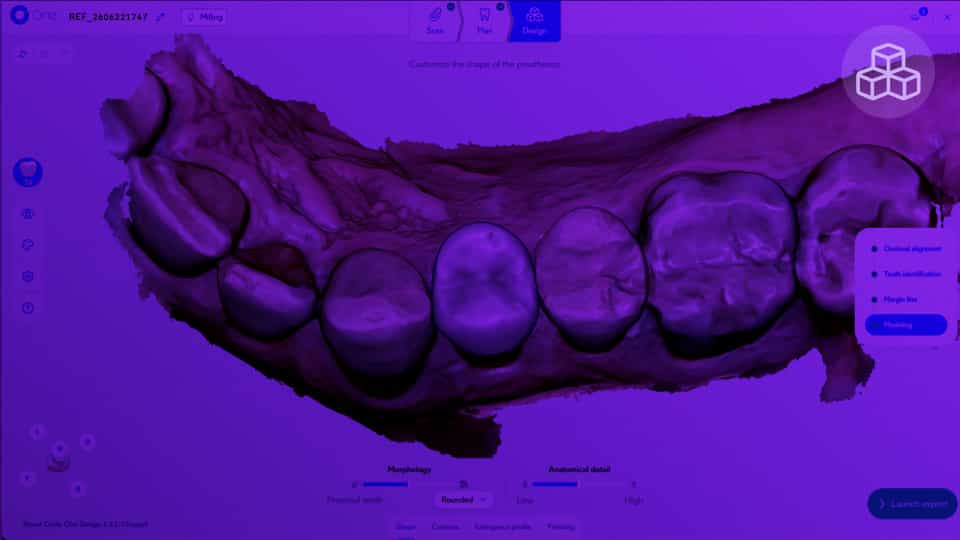
From your dashboard, click “My Cases” to view the full list of your cases.
You can sort or search for a specific case using the filters or the search bar.
After you approve your design, the case summary opens automatically. If you want to review it, simply click the “View” button on the case card.