Prosthesis workflows
Veneer Workflow
Video
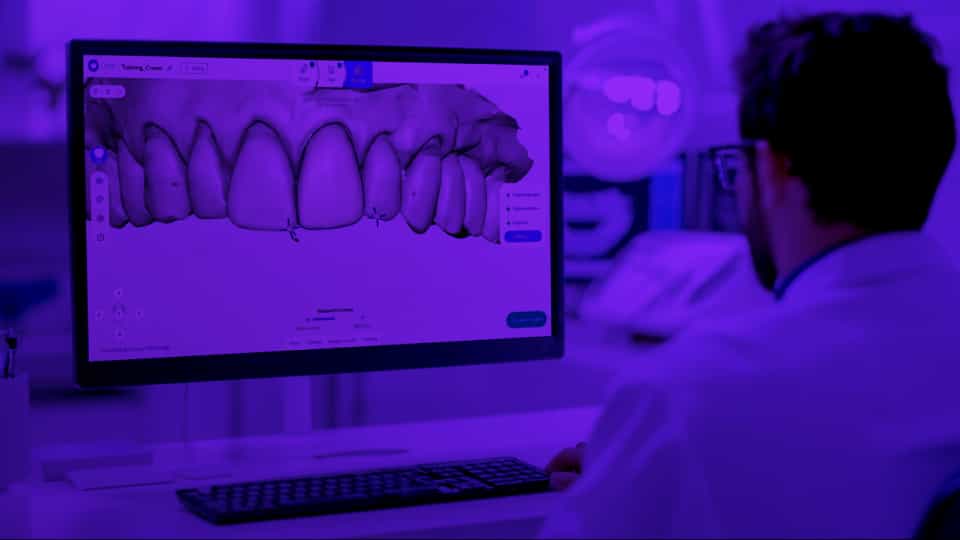
Design a chairside veneer with Circle One. Learn the specific scan, margin line, and aesthetic design considerations for a fast and seamless veneer
Workflow
Plan
Related Articles
Video
Workflow - Crown
Design a chairside crown from scan to export in just a few minutes. A complete walkthrough of every step for a full crown.
Learn more
Video
Learn more

Frequently Asked Questions

How do I access my cases? How can I view case details?
Plan
+

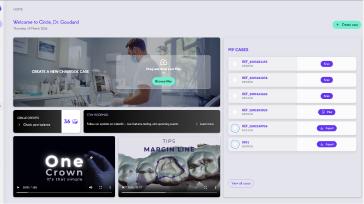
From your dashboard, click “My Cases” to view the full list of your cases.
You can sort or search for a specific case using the filters or the search bar.

After you approve your design, the case summary opens automatically. If you want to review it, simply click the “View” button on the case card.


How many prosthetics can I design at once, and which types are available?
Plan
+

You can design crowns, inlays, onlays, overlays, and veneers. More prosthetic types will be added soon. For now, only one product per case is supported.