
Overview
A Circle One practice can include multiple users: dentists and dental assistants. All members share access to the practice's cases and collaborate within the same workspace.
User roles
- Dentist — can create cases, run the full design workflow, and export production files.
- Assistant (Dental assistant) — has access to all cases created by any dentist in the practice. Cannot initiate the design step independently.
How to invite a collaborator
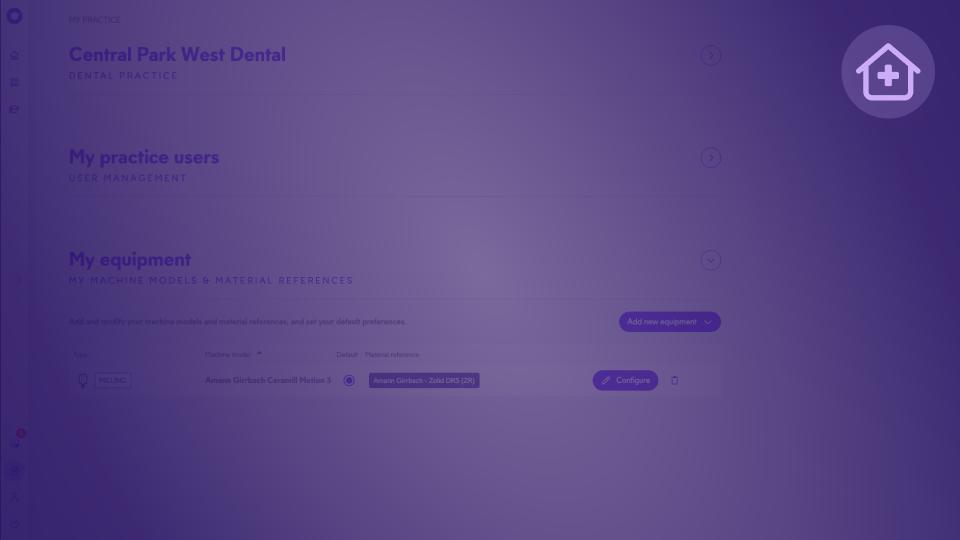
- From your Circle One account, go to My Practice in the side menu.
- Open the "My practice users — User Management" section.
- Click "+ Add New User".
- Enter the email address of the person you wish to invite and select their role: Dentist or Assistant.
- Send the invitation.
💡 You can invite both dentists and assistants using the same procedure, regardless of their role.
After the invitation is sent
- Person already has a Circle One account — they receive an invitation to join your practice. Once accepted, they appear in your user list.
- Person does not yet have an account — they receive an invitation to create one. After signing up, they are automatically linked to your practice.
Managing existing users
From My Practice Users, you can:
- View the list of all users and their roles
- Configure user settings with the "Configure" button
- Remove a user from your practice (trash icon)
Case access & data
Assistant accounts have access to all cases created by any dentist within the same practice, making it easy to delegate scan import and case preparation.
💡 Your data is securely stored for 5 years, encrypted, and hosted on ISO 27001-certified servers.