If your case is stuck while loading the Design stage (for example, the loader is stuck at 40%), please check your network connection. If the problem persists, please restart your case from the beginning.
Yes. You can use the undo/redo buttons available in the interface at any time.
Yes. In the Manufacturing Settings, you can set the thickness of the border reinforcement to make it compatible with your milling tool.
Yes. In the Design step, you can adjust antagonist contacts in real time by smoothing or deforming them using the “Antagonist Contacts” slider.
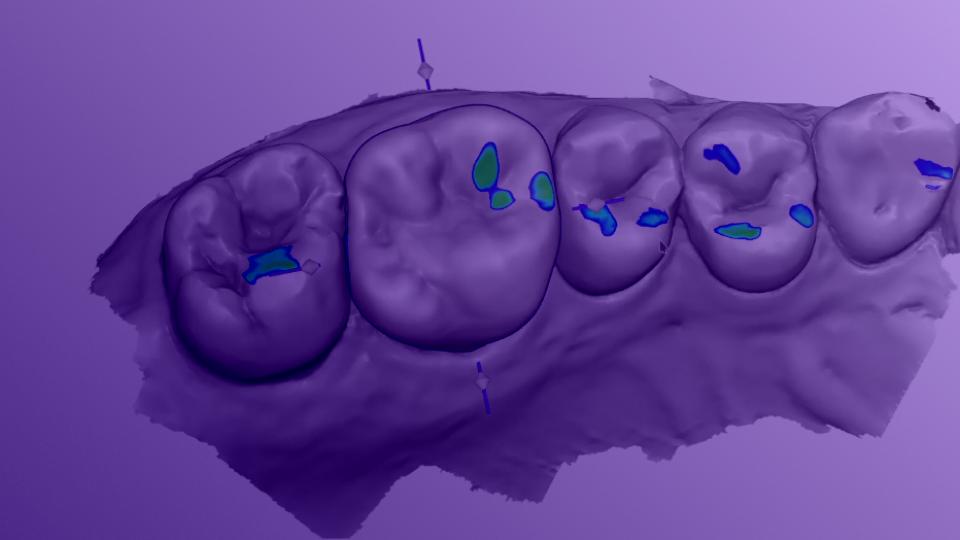
The contacts are displayed in color through the Colormap panel, helping you fine-tune the occlusion of your prosthesis.
Yes. The minimum thickness for the selected material is maintained throughout design. Circle One alerts you if the prosthesis is not insertable at the chosen minimum thickness, and offers three options: auto-adjust, manual correction, or continue without correction.
You can adjust the minimum thickness in the Manufacturing Settings or in “My Design Preferences.” Thin areas are visualized in the Colormap panel.
Circle One offers two occlusion options: the one from your intraoral scanner and a recalculated occlusion generated automatically from the bite registration and arch collision analysis. You can compare both and choose the one that best fits your situation.
If no activity is detected for a few minutes, the case automatically closes. This helps manage server load and keep Circle Credit costs optimized.
Yes. You can use the undo/redo buttons available in the interface at any time.
Not yet. Your design cannot be saved at No, a validated design can't be reopened or edited. To start over from an existing case, use the dot menu on the case card and select "Create a new case from patient files": a new case is created with the same scans, letting you restart the design from scratch.
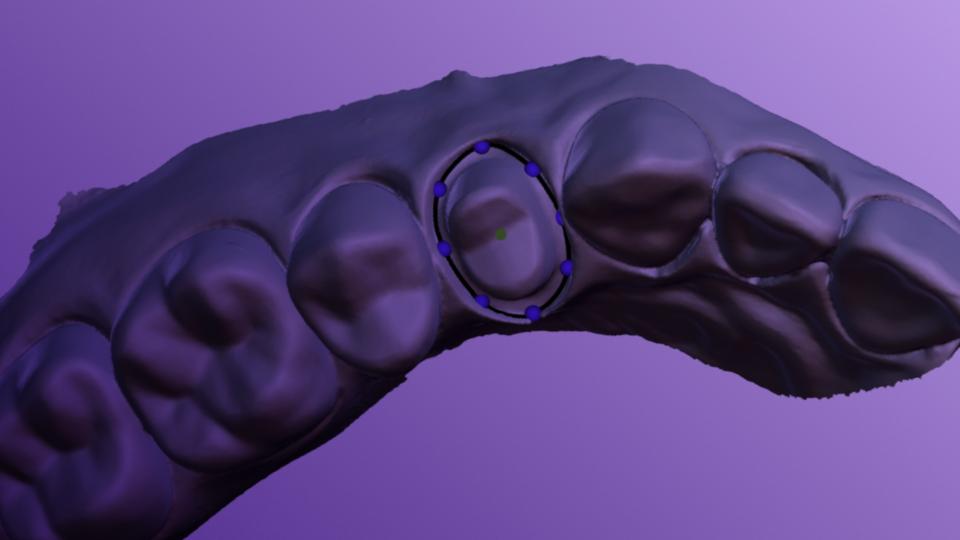
Yes. You can freely adjust the automatic proposal using the available tools.
Thanks to our Collaborative AI, Circle One updates the model in real time and maintains key parameters such as: distance to adjacent and opposing teeth, insertion axis, minimum thickness, functional balance.
Every adjustment is simulated instantly, helping you keep a stable and reliable design as you refine it.
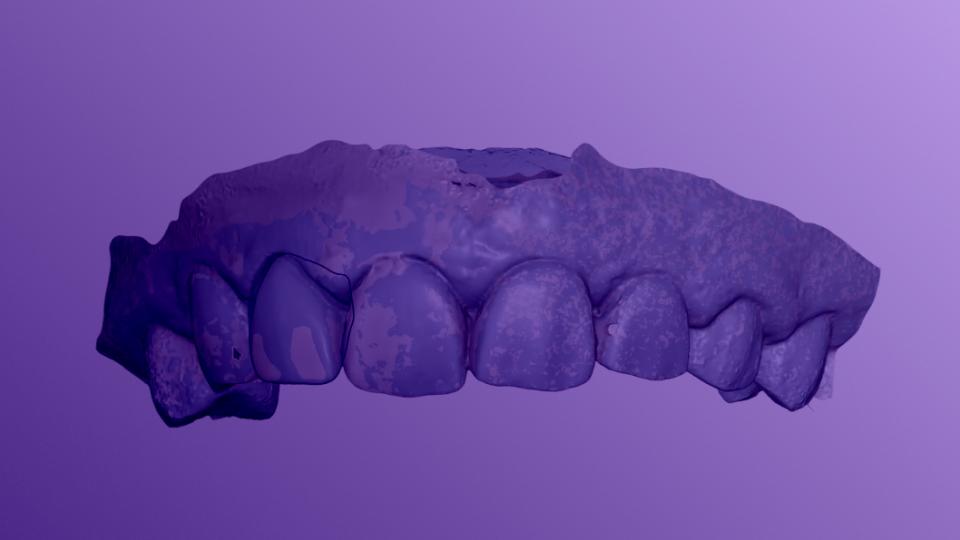
The automatic proposal is generated by analyzing your scans and taking several key parameters into account, including tooth anatomy, occlusion, proximal contacts, minimum thickness requirements, and manufacturing constraints.
Our Collaborative AI maintains occlusal contacts, insertion axis, and functional balance in real time, helping you obtain a design that is both functional and easy to manufacture.